
Professional accessories to optimise workstation ergonomics and order
Accessories are the fine-optimisation layer of the workstation. They improve posture, free up operational space, reduce visual clutter and increase precision and comfort in everyday activities. Adjustable monitor arms, dedicated task lights, front and side panels and laptop stands directly influence cognitive wellbeing, productivity and the overall perception of the workspace.Accessories for individual workstations are complementary elements that improve desk use without modifying its main structure. They include monitor supports, privacy panels, notebook stands, CPU holders, document holders and coordinated desktop accessories. They make the workstation more ergonomic, tidier and better suited to everyday work, with concrete advantages in terms of comfort, organisation and perceived quality.
Ergonomic monitor arms
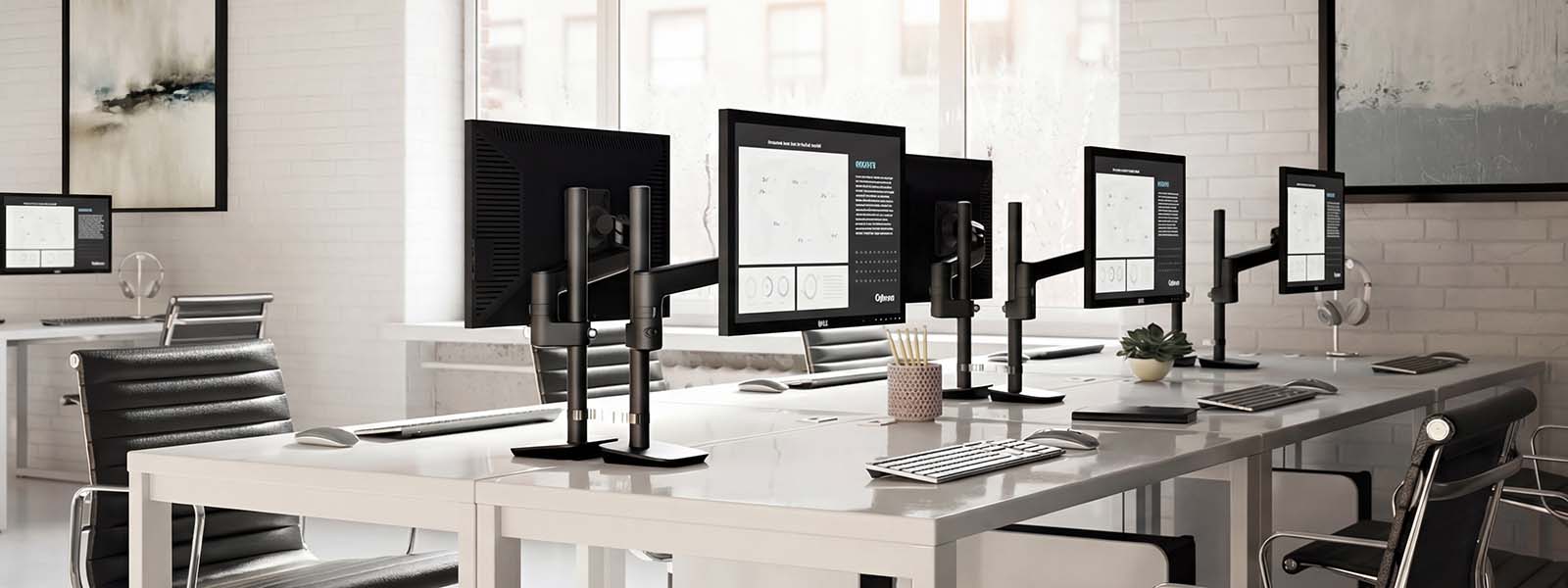
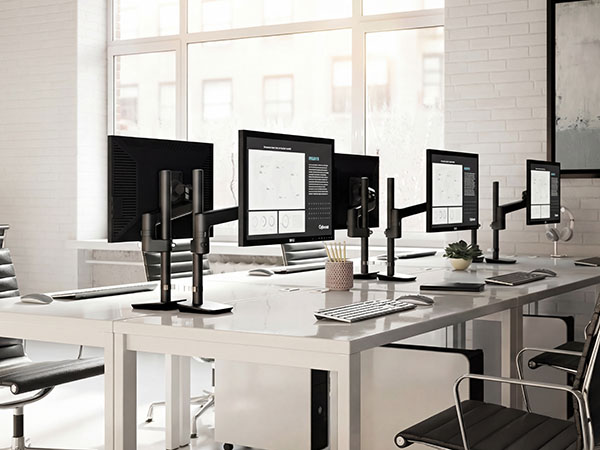
The screen adapts to the work, not the other way round.
Ergonomic monitor arms are among the most effective accessories for truly improving the individual workstation, because they act on visual height, reading distance and display adjustment freedom. Compared to a traditional base, they allow a cleaner top and more accurate management of the visual field, with an immediate impact on the perception of comfort. They are particularly suitable for operational offices, professional studios and workstations used for many hours a day, where order, ergonomics and setup precision become an integral part of work quality.
Professional notebook stands
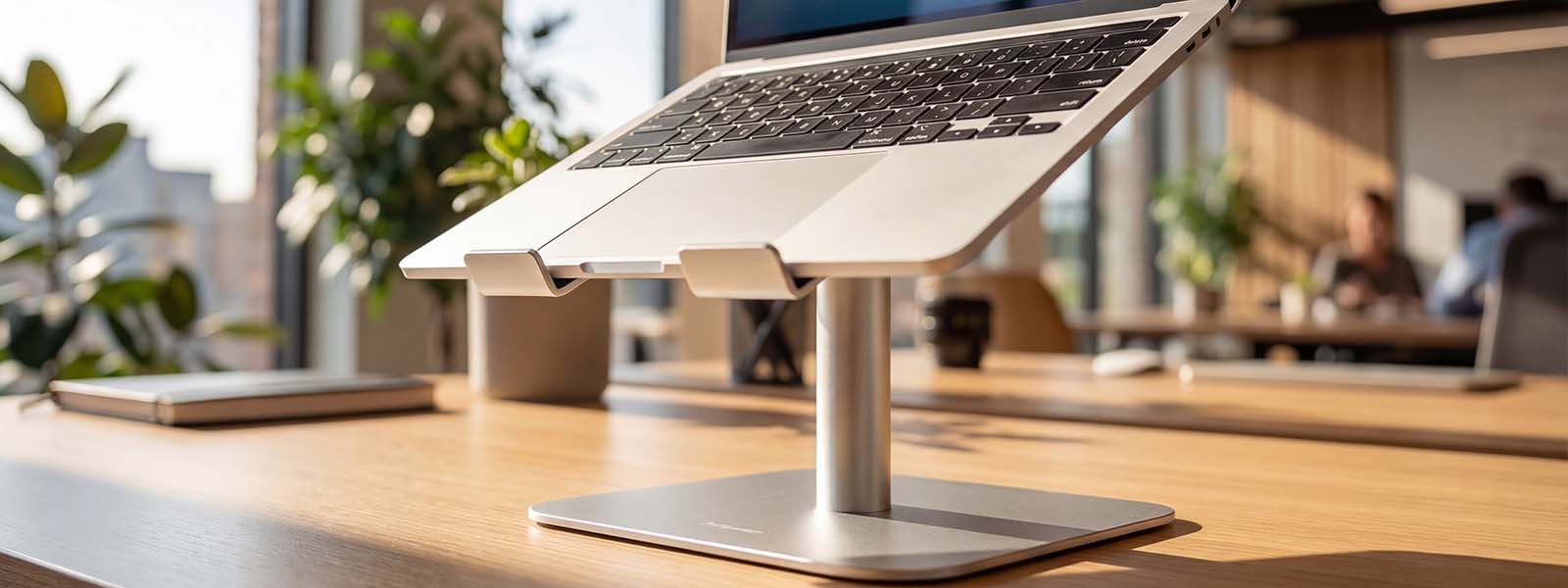
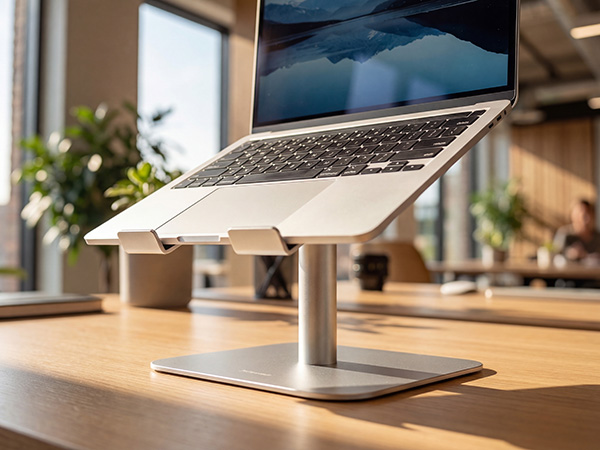
More ergonomics for mobile workers.
Professional notebook stands are strategic accessories for all individual workstations where the laptop is the main work device. Their function is not only to raise the computer, but to improve the angle of use, make the setup more readable and bring greater order to the top, especially in contexts where the workstation must remain agile and clean. They are suitable for flexible offices, consulting studios, operational executive environments and individual workstations where quality of use depends on the ability to integrate mobility, visual comfort and compositional consistency.
Under-top CPU holders
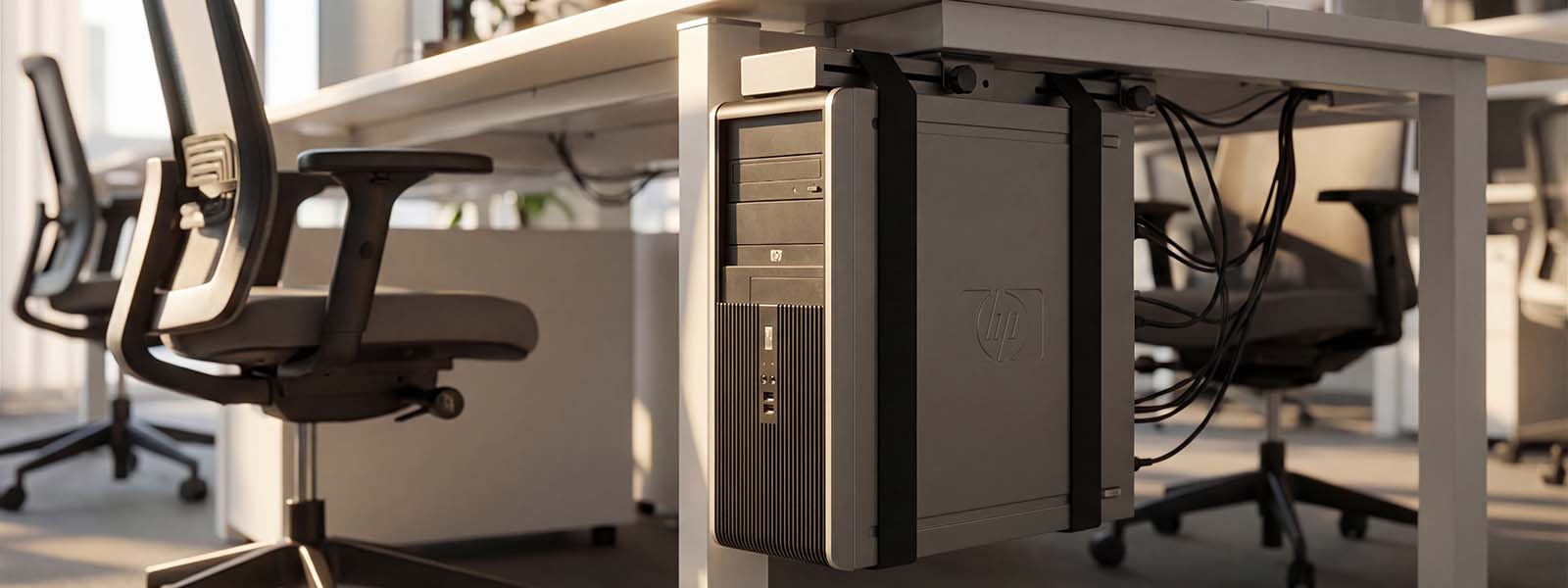
Technology present, but visually controlled.
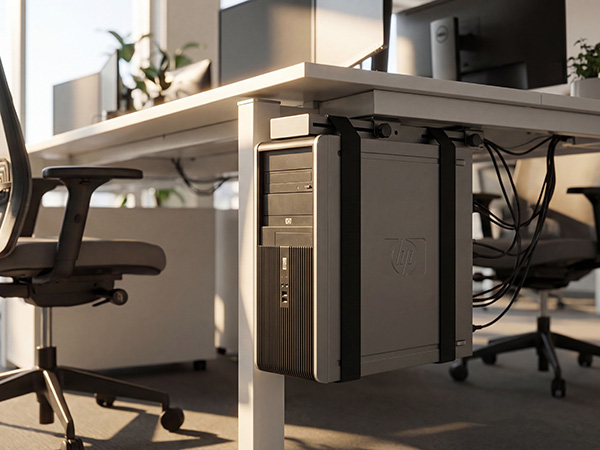
Under-top CPU holders are highly useful technical accessories when the individual workstation still uses a desktop unit and you want to prevent the case from occupying useful space or interrupting layout clarity. The main advantage is twofold: on the one hand they free up the top and side area, while on the other they contribute to a more orderly and professional reading of the whole. They are particularly interesting in technical, administrative and operational offices where the desk must remain readable, functional and easily maintainable, without adding unnecessary volumes or visually inconsistent elements around the workstation.
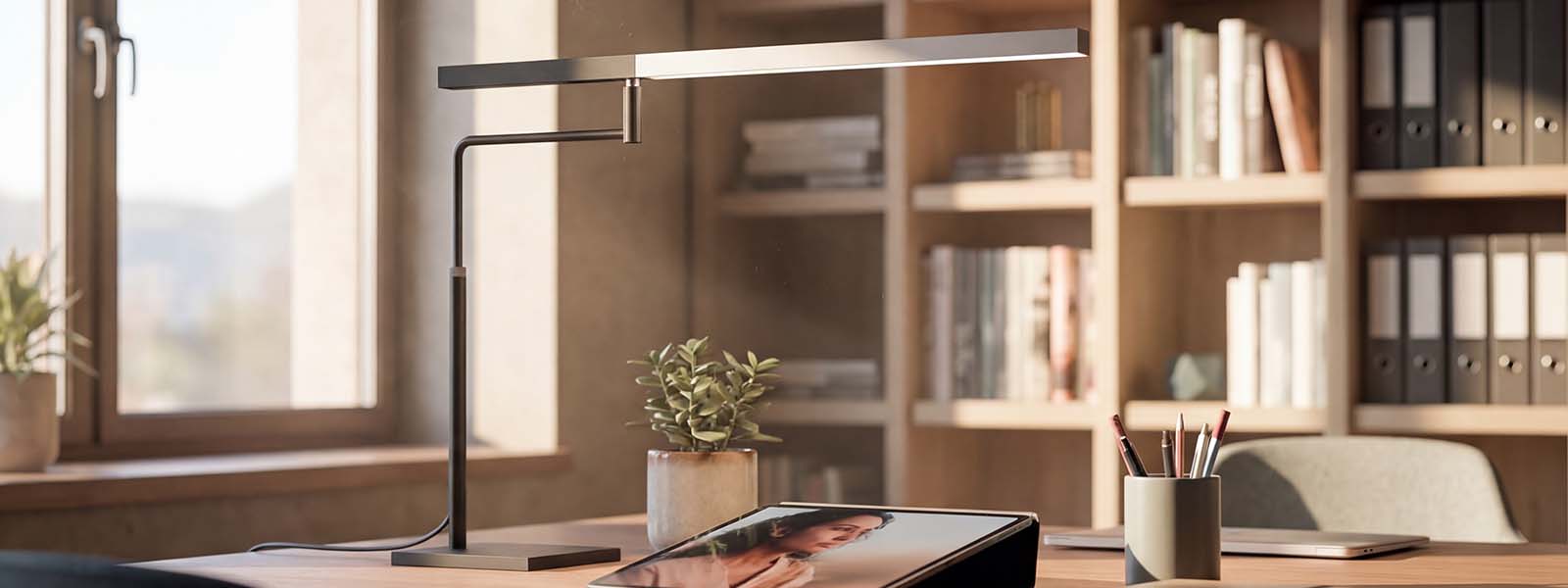
Task lights and personal lighting for visual comfort
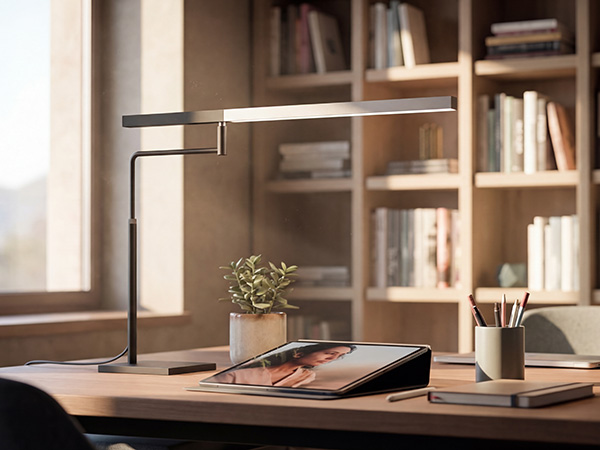
The task light is the main ally of visual comfort. It improves light quality on the operational surface, reduces eye fatigue and increases precision in reading, writing and typing activities. Professional models offer adjustable intensity, variable colour temperature and orientable arms to direct the light beam where it is needed. Correct personal lighting compensates for any deficiencies in ambient light, enhances colours and contrasts and reduces errors caused by poor brightness, especially in the evening or in deep-plan environments.
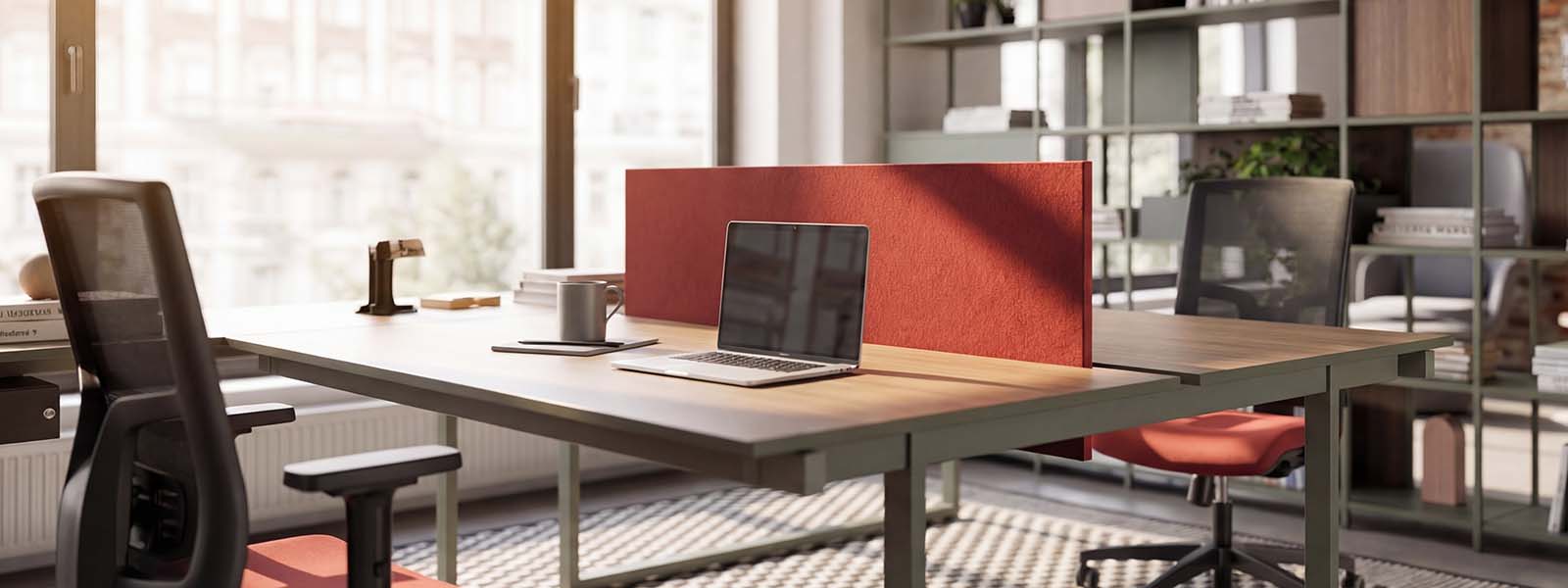
Front and side panels: visual privacy and perceptual comfort
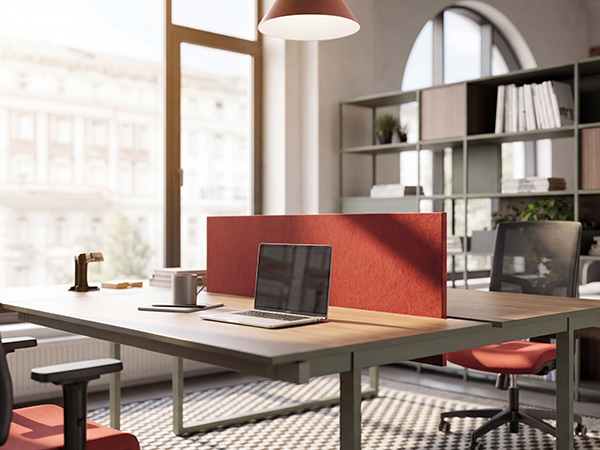
Front and side panels define the perceptual perimeter of the workstation, helping reduce visual distractions and create a more enclosed work zone. Textile versions provide a sound-absorbing contribution, while variants in melamine or technical material create a clean and coordinated visual barrier. In open spaces, these elements improve privacy, concentration and the feeling of order, without resorting to invasive structural solutions. The result is a more protected individual space that supports focus and comfort even in very busy environments.
Organisational systems and micro-accessories to optimise space
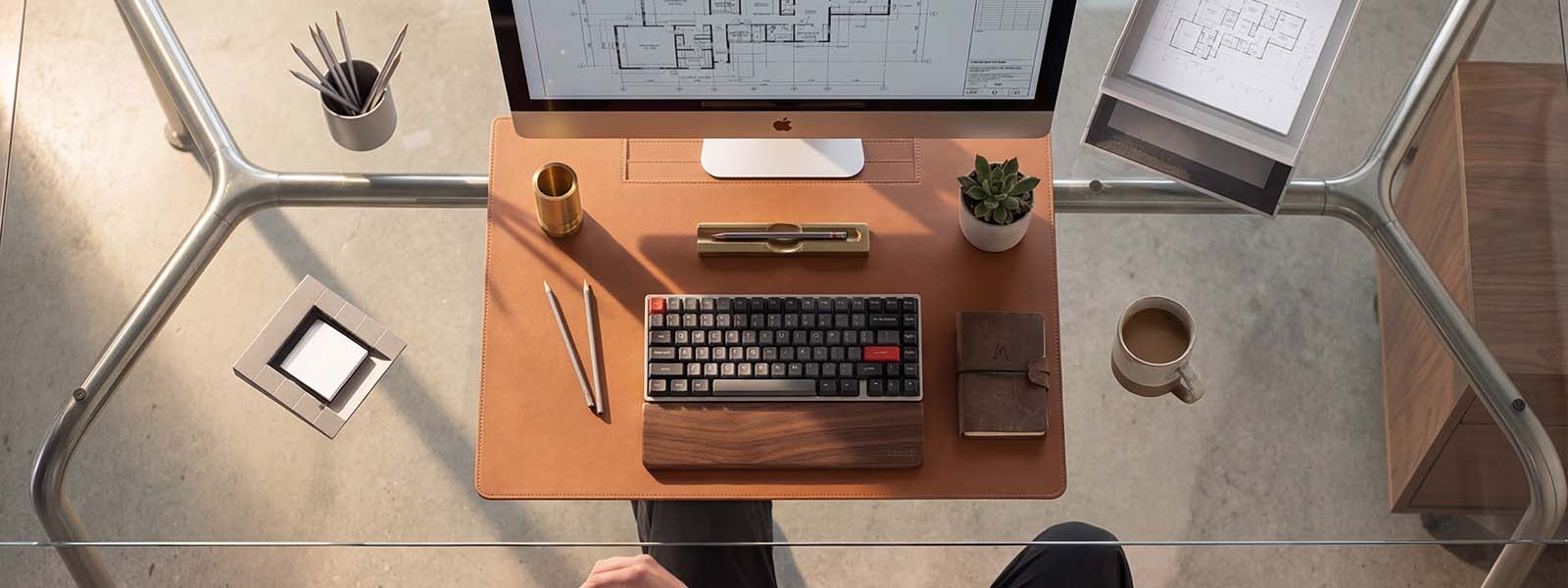
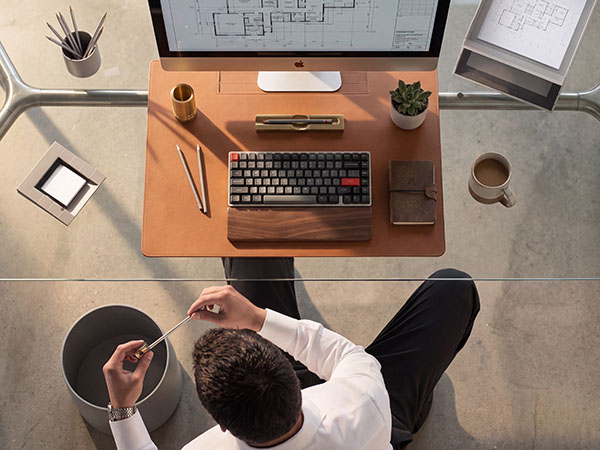
Organisers, vertical document holders, trays and small storage accessories help free the work surface from papers, pens and scattered accessories. The operational space becomes more efficient: workflows are smoother and less time is spent looking for materials or tools. Good visual organisation contributes to a sense of control, increases the perception of professionalism and makes the workstation more welcoming for clients and visitors too. Over time, this “invisible” order translates into a measurable improvement in everyday productivity.
FAQ
The three most effective elements for improving posture and visual comfort are: adjustable monitor arm, laptop stand and task light. Together they make it possible to position the screen correctly, work with a neutral visual field and always have the right amount of light on the worktop.
Yes. Side and front panels improve privacy, concentration and visual order, screening lateral distractions and better defining the workstation perimeter. They are particularly useful in very deep environments or with frequent passageways near desks.
Professional versions in aluminium or technical materials are designed for continuous use: they guarantee stability, support device ventilation and keep the screen at the correct height when paired with an external keyboard and mouse. In this way, the laptop can be used as a true main or secondary monitor even for many hours a day.
Yes. Coordinated finishes and materials reduce “visual noise” and contribute to the office’s visual identity. Accessories consistent with desks, seating and storage units create a more harmonious environment, improve the perception of quality and strengthen the corporate image in the eyes of employees and visitors.
The key is to move upwards or vertically anything that does not always need to be within easy reach: use vertical document holders, modular trays and small organisers to free the operational surface and leave on the top only what is needed for the current activity. A minimal end-of-day tidying routine helps maintain this balance over time.