
Front Office Workstations: How to Create Efficiency and Comfort in One Space

Ufficiostile front office workstations simplify daily operations and improve the visitor experience. Ergonomics, visibility and accessibility come together in a single workstation, providing comfort for staff and reassurance for visitors through organised layouts, clear circulation routes and tools that are always within easy reach.Front office workstations for reception and welcome areas are solutions designed to support operational activities and direct interaction with the public. They integrate ergonomic work surfaces, technology and service spaces, adapting to corporate entrances, front desks and shared environments. Proper design improves operator comfort, visual order and the overall effectiveness of the reception area.

Smart operational flow Operator ergonomics Organised and connected space Representative design Modular solutions
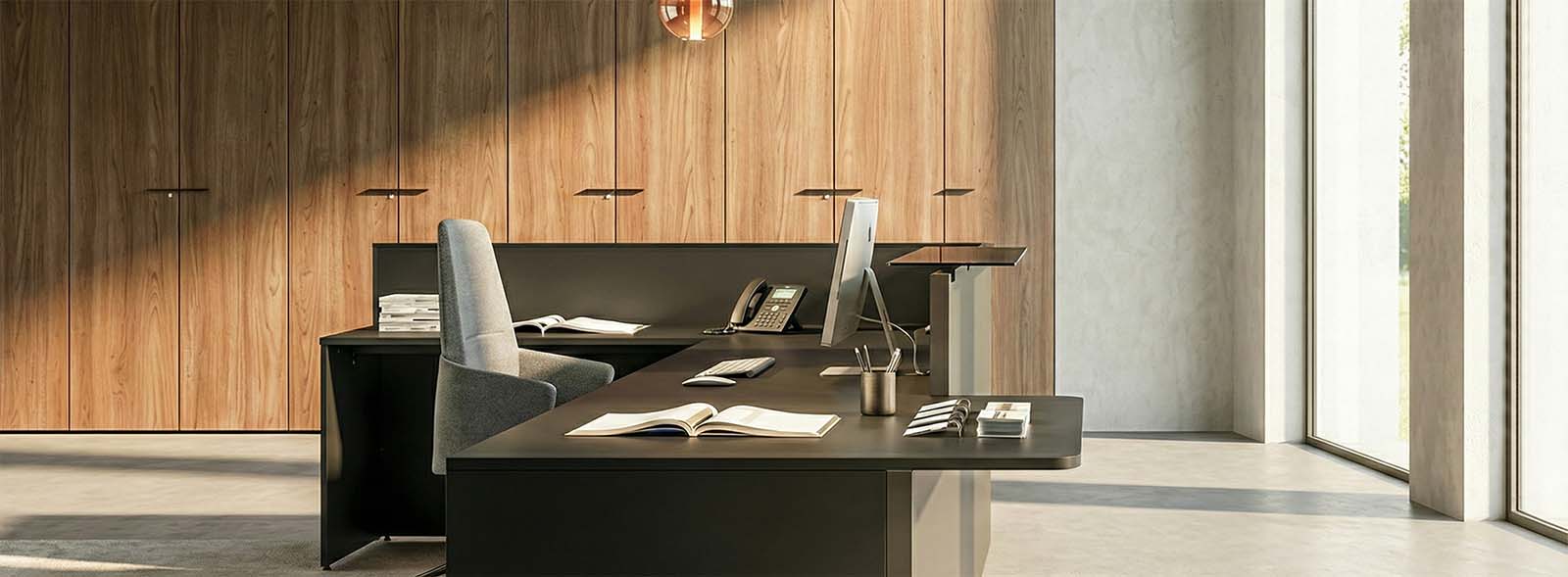
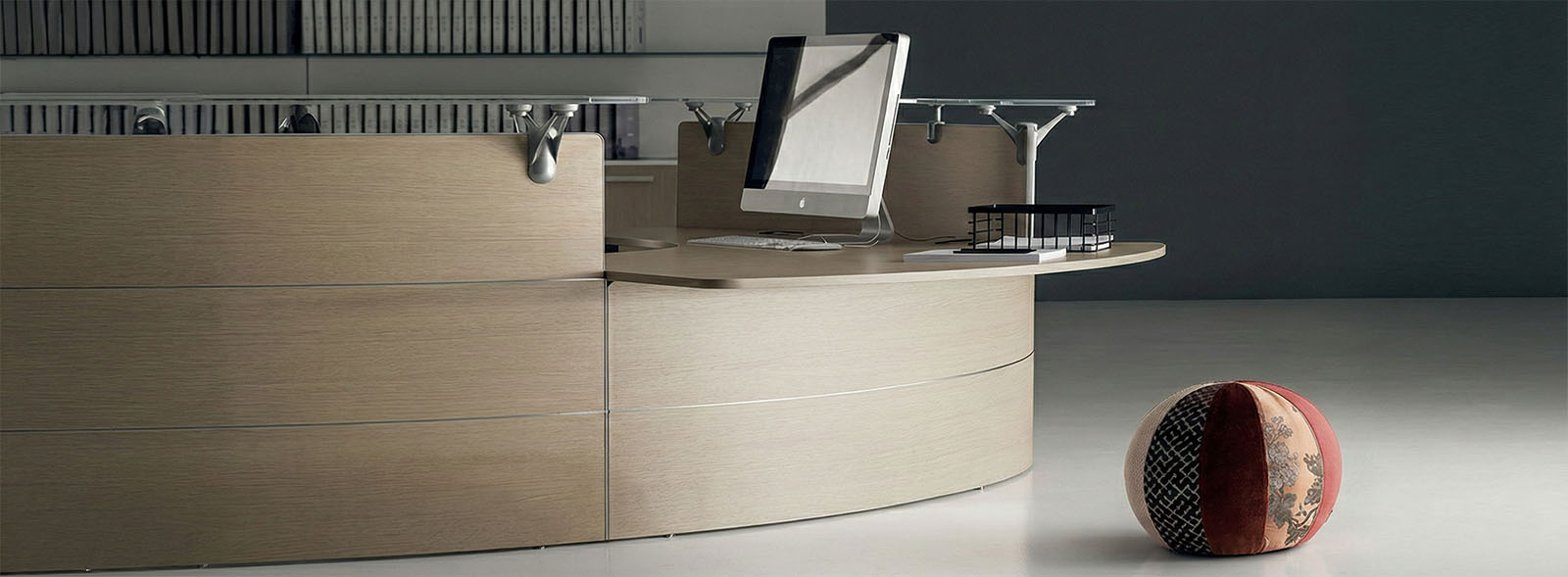
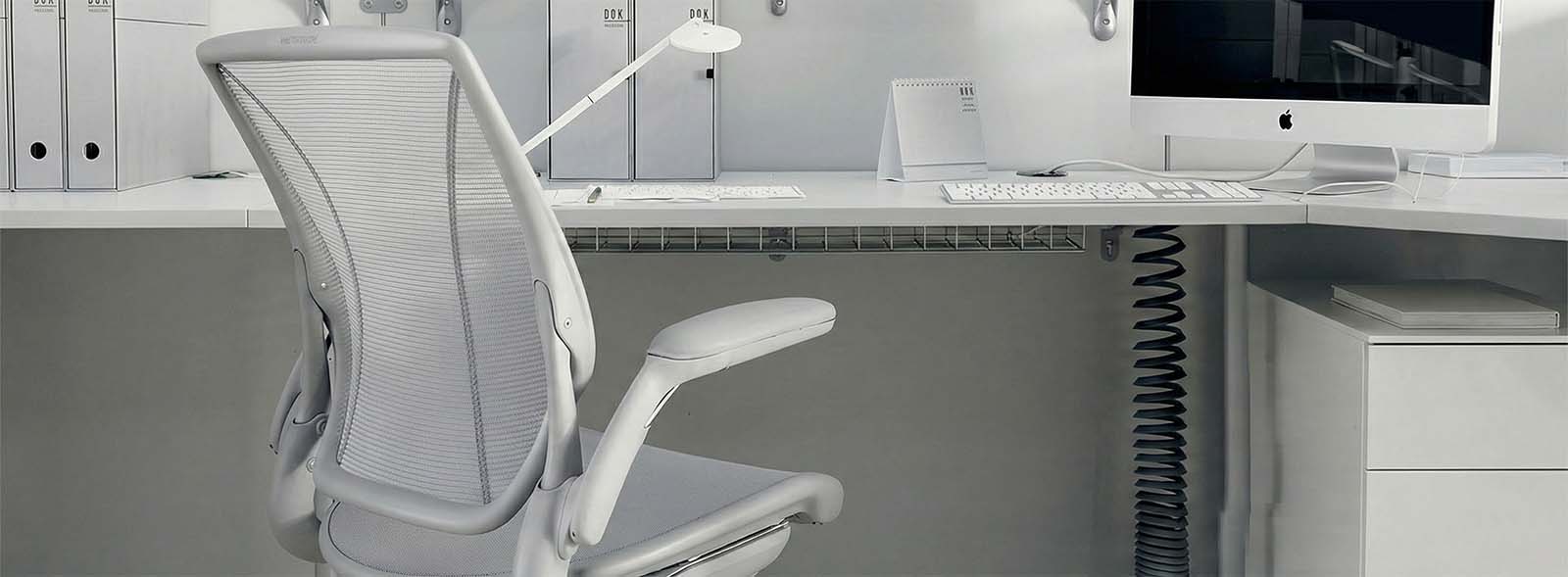
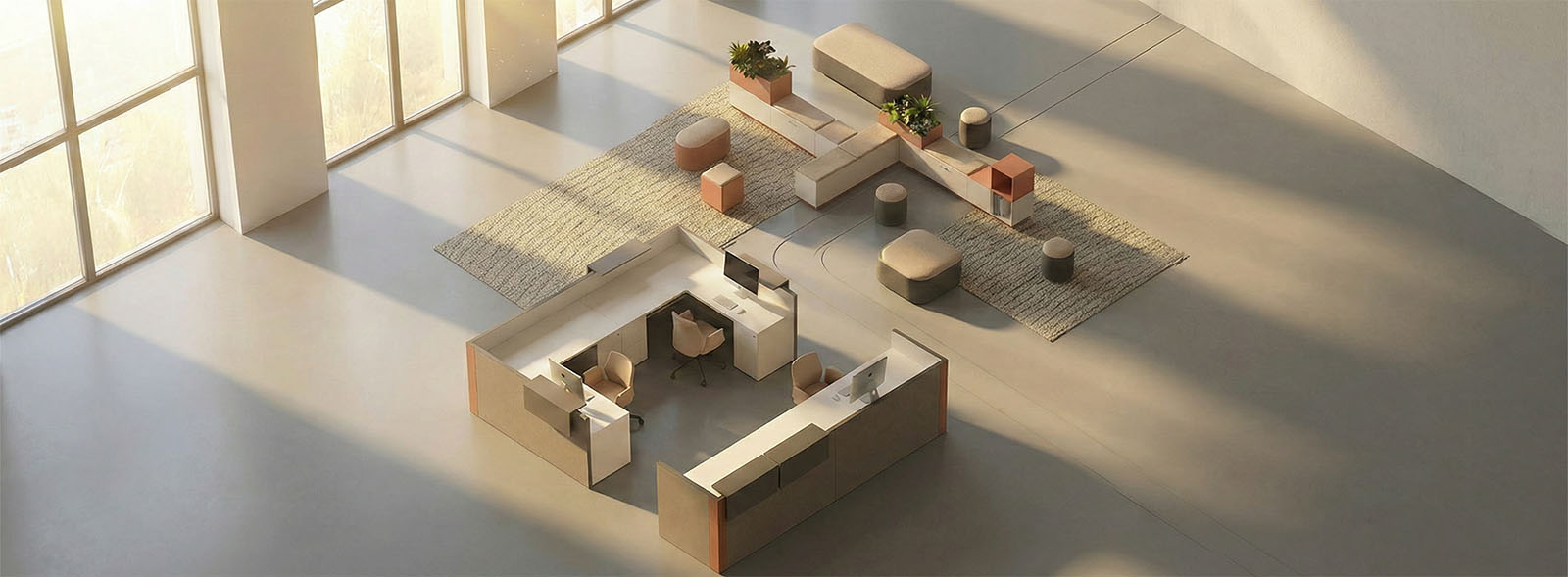
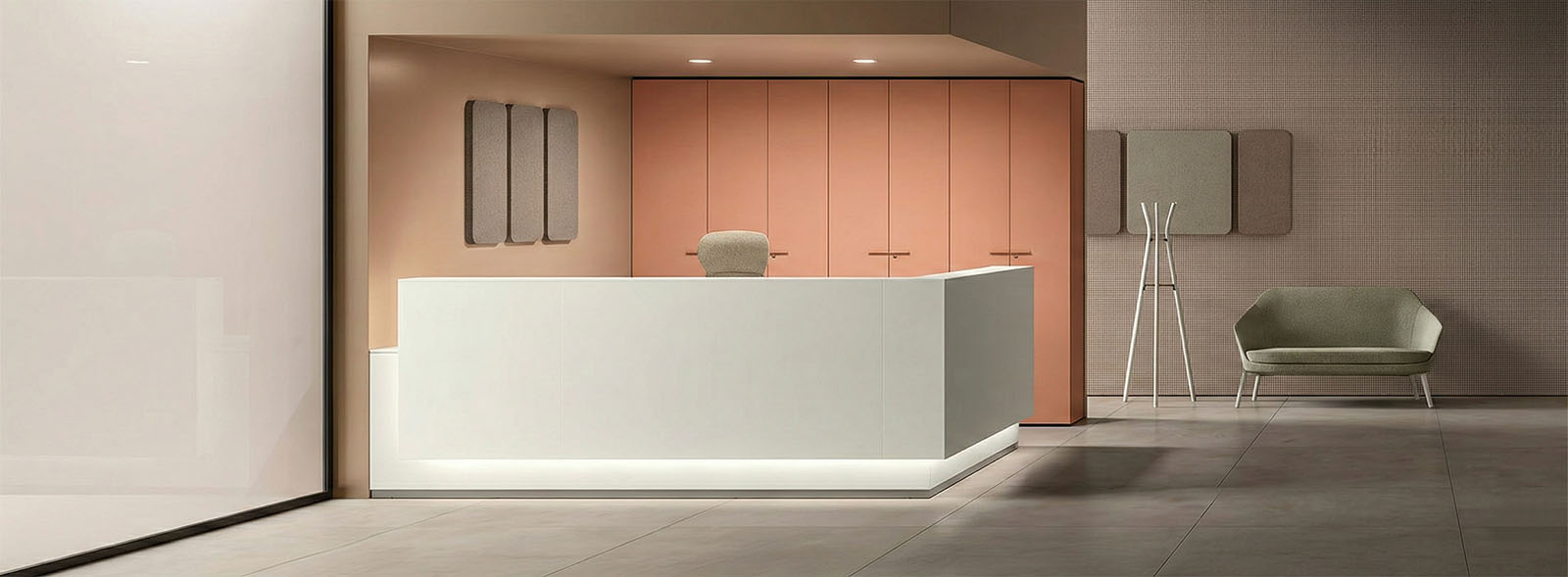
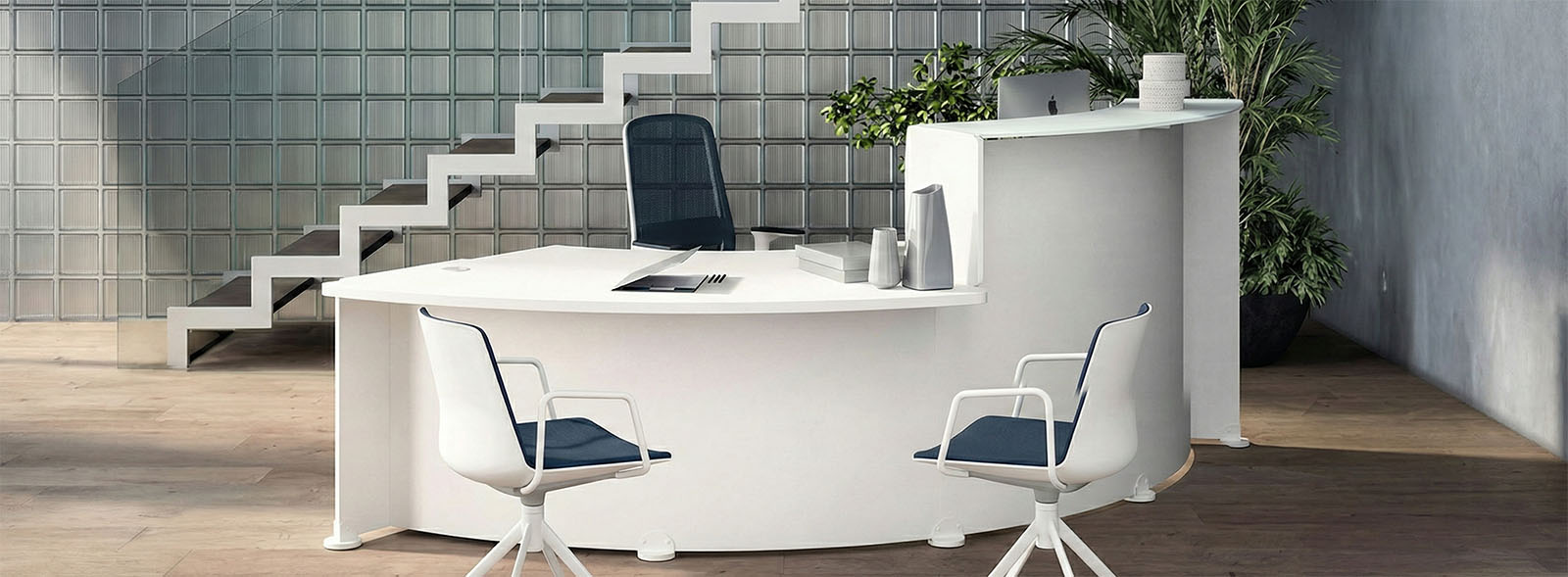
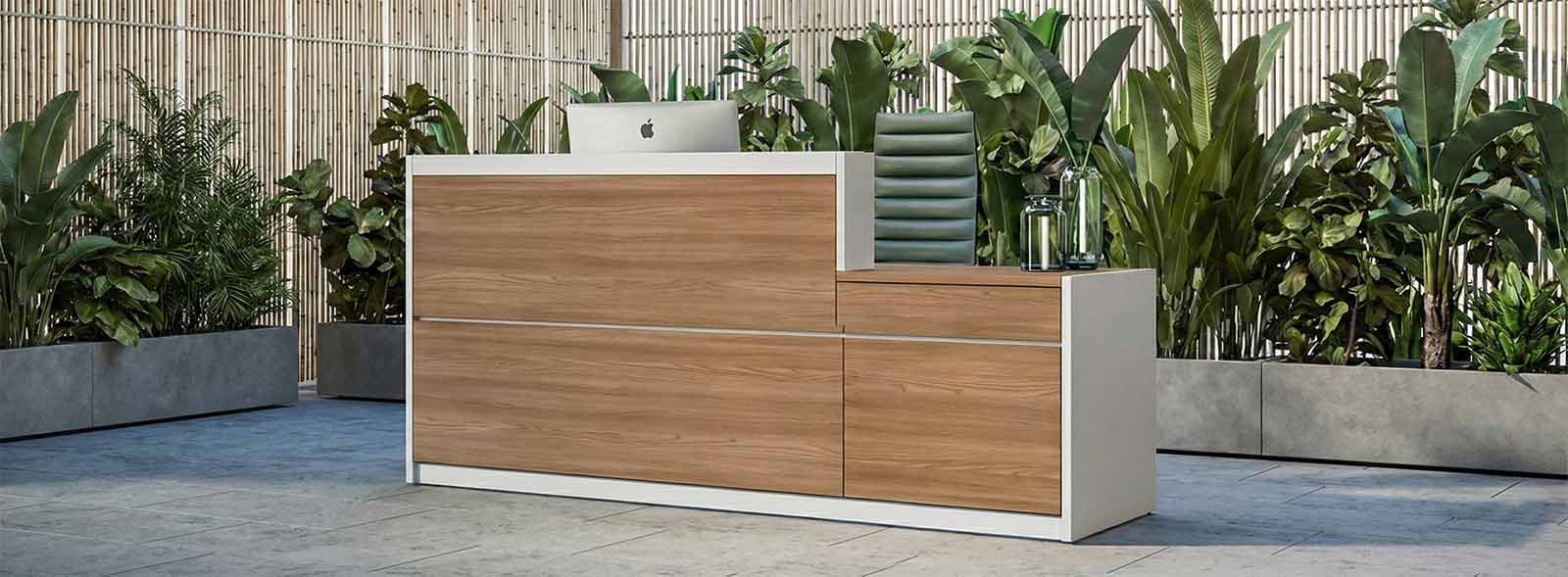
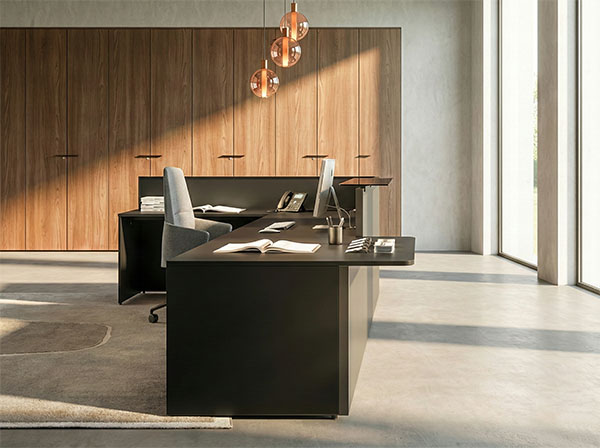
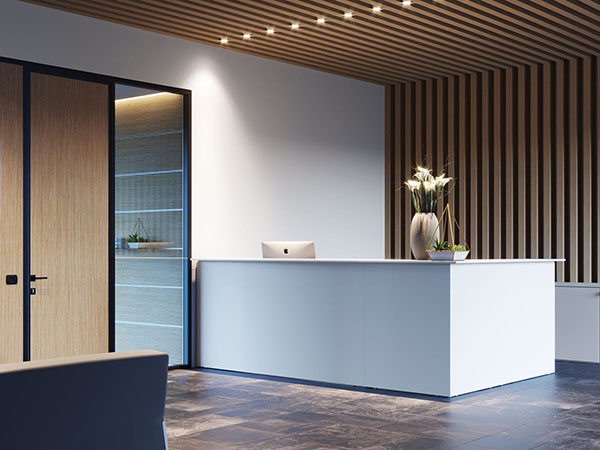
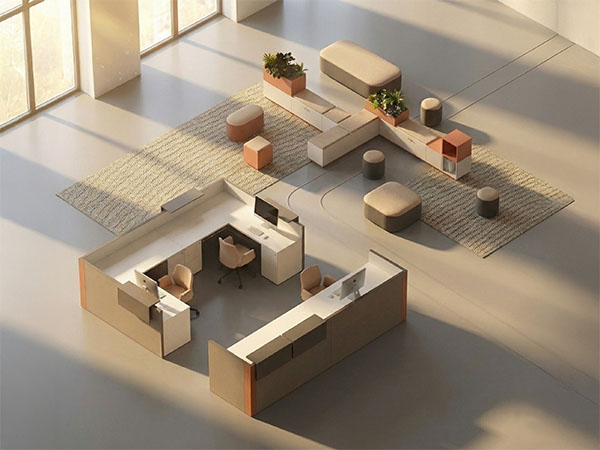
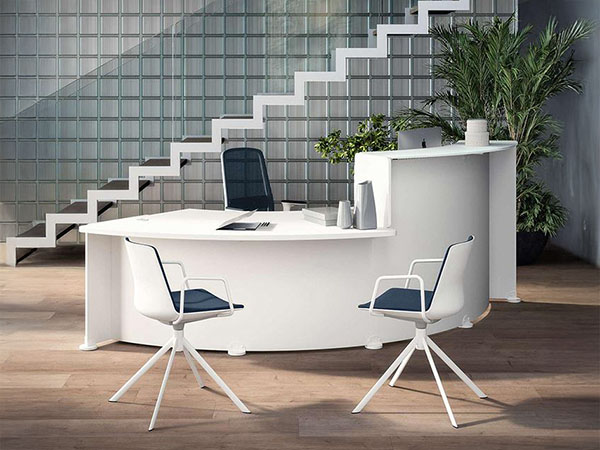
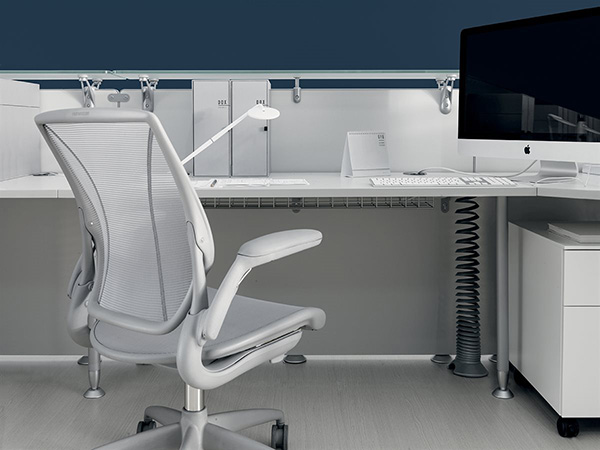
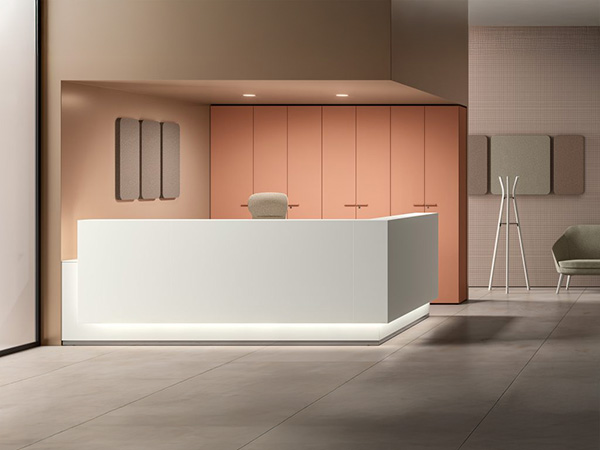
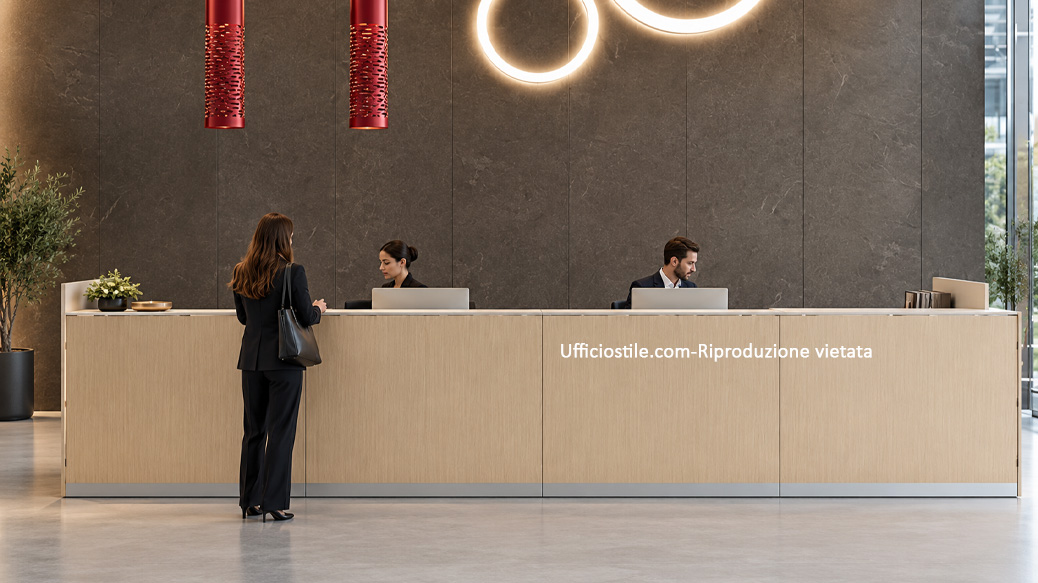
Operational front office workstation in a corporate reception area Multiple front office workstations in an open-plan space Front office workstation detail with integrated cabling and organised work surfaces Front office workstation detail with integrated cabling and organised work surfacesFront office workstation detail with integrated cabling and organised work surfacesFront office workstation detail with integrated cabling and organised work surfacesFront office workstation detail with integrated cabling and organised work surfaces
Velvet
 

Operational Front Office Workstations for Everyday Reception Activities

Operational front office workstations are designed for continuous activities such as visitor registration, appointment management and first-level information services. Properly sized work surfaces and clear organisation of tools allow staff to work efficiently, reducing unnecessary movements and clutter. An ideal solution for corporate reception areas with constant staffing.

Technical detail of front office workstation with metal structure and ergonomic top
Typical front office workstation configurations in reception areas and professional offices

Front Office Workstations for Compact Spaces and Small Entrance Areas

In smaller entrance areas, the front office workstation needs to perform multiple functions within a limited space. Compact configurations make it possible to maintain a clear separation between the operator area and the visitor area without creating obstructions. Targeted design allows efficient workstations to be created even in limited spaces while preserving comfort and functionality.


Organise Workflow and the Reception Space

Every front office workstation performs better when the space is designed around workflow logic. Separating the public interaction area from the operational zone and the concealed service area allows staff to work smoothly without overlapping tasks and circulation routes. Visitors perceive an organised and professional environment, while the operator has everything needed within easy reach. From monitor positioning to the placement of storage modules, every detail helps reduce errors, waiting times and distractions.

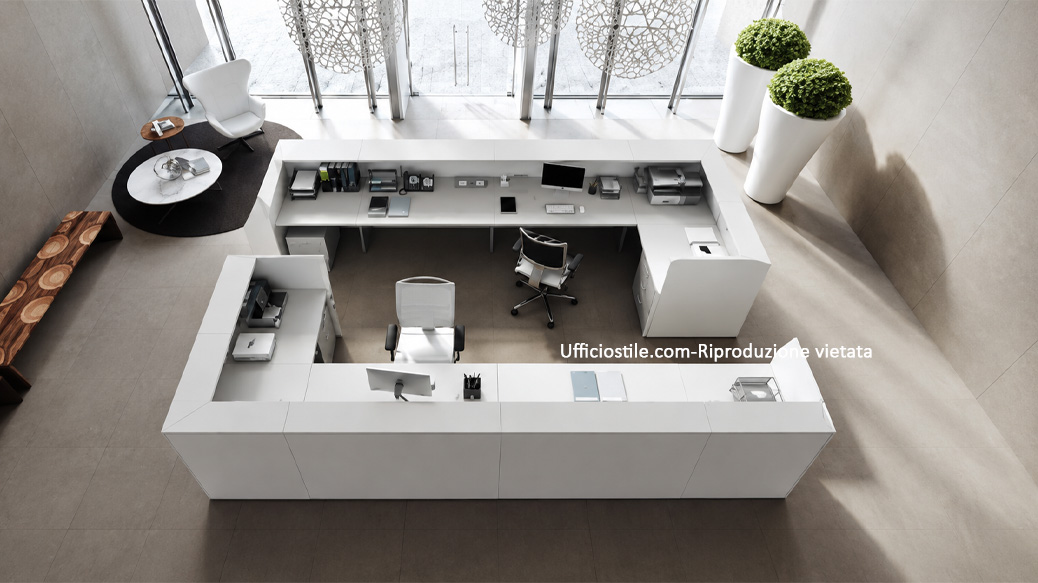
Front office workstation with separate reception, work and service areas
Front office operator using an ergonomic height-adjustable workstation

Ergonomics and Comfort for Everyday Work

The well-being of front office staff is the first requirement for providing a high-quality service. Desks with adequate depth, adjustable chairs with lumbar support and correct lighting reduce fatigue and encourage a natural posture. The ability to adjust desk height or alternate between sitting and standing helps maintain energy and concentration. A comfortable and well-supported operator will be more attentive, precise and welcoming to every visitor approaching the front desk.

Integrated Technology and an Always Organised Workstation

A modern front office workstation needs to accommodate computers, telephones, badge readers, POS terminals and sometimes digital signature devices. Without a properly designed cabling system, cables quickly become both visual clutter and an operational risk. Cable channels, integrated desktop sockets, concealed power supplies and monitor supports free up the work surface, leaving only what the customer needs to see. A clean worktop communicates professionalism, simplifies cleaning and makes collaboration between operators and departments easier.

Front office workstation with power modules, cable management and organised work surface
Detail of materials and colours in a front office workstation designed to convey trust

Choose Materials and Colours That Convey Trust

The front office area is the visual stage of your company: before any words are spoken, surfaces, lighting and colours communicate on your behalf. Neutral tones and matt finishes help create a sense of calm and order, making them particularly suitable for professional offices and corporate reception areas. In more dynamic environments, warm colour accents or combinations of wood and metal add energy and personality. The goal remains the same: to reflect the brand identity and make visitors feel welcome in an environment that is clear, easy to understand and consistent with the company’s values.

Problems & Solutions

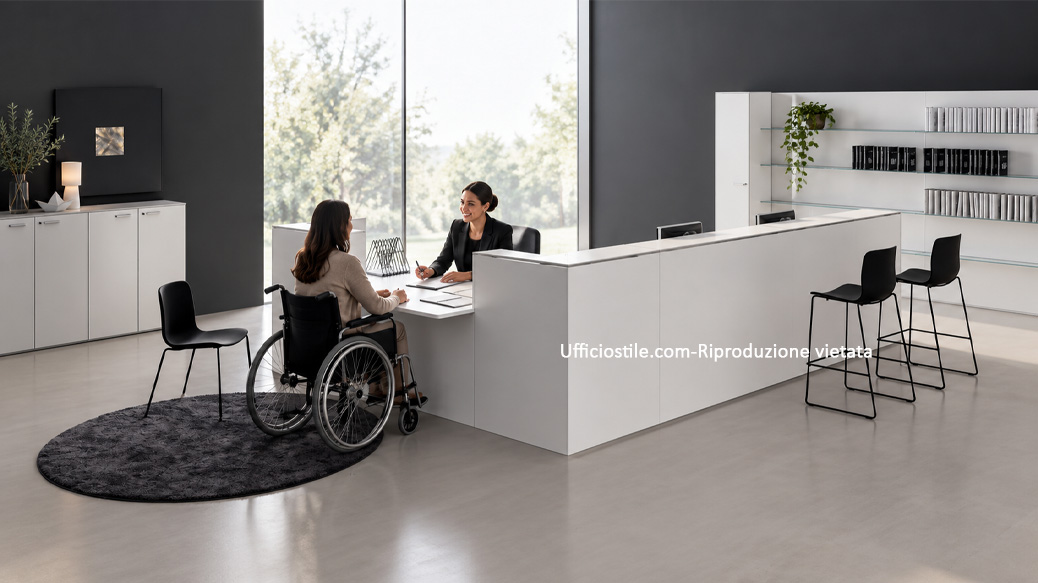
In the front office, the operator’s work and interaction with the public take place in the same space. We design accessibility, privacy, ergonomics and technology to create organised, efficient workstations that can truly be used by everyone.

Front office workstation with accessible lowered counter and approach space
PROBLEM

Reception Counter Not Accessible to Everyone

 
SOLUTION

A lowered module integrated into the front office, with a stable surface for signing and completing forms, clear front access and an unobstructed approach route. Heights, depths and edges are designed to make the interaction point usable by people who are seated or have reduced mobility.
Learn more
Front office workstation with protected monitors and privacy separation
PROBLEM

Screens, Documents and Confidential Conversations Are Exposed to the Public

 
SOLUTION

Monitors positioned outside the public’s line of sight, side screens and closed storage reduce the exposure of data and documents. In adjacent workstations, adequate distance between operators and sound-absorbing treatment of the area also help reduce the intelligibility of more confidential conversations.

Learn more
Front office workstation with integrated POS, printer cabling and devices
PROBLEM

Cables, Printers and Devices Take Over the Workstation

 
SOLUTION

Top access units, cable ports, cable channels and fixed power strips organise power and connectivity. Dedicated compartments accommodate printers, documents and service materials, while provisions for POS terminals, badge readers and telephones keep devices accessible without unnecessarily occupying the work surface.

Learn more

Front Office Workstations FAQ

An ergonomic front office includes worktops 72–75 cm high, at least 60 cm of clear legroom, an adjustable chair with lumbar support and the correct distance between the user’s eyes and the monitor. Good lighting and unobstructed circulation routes complete the design.

High-resistance melamine, fingerprint-resistant Fenix® and powder-coated steel provide long-term durability with minimal maintenance. In areas that come into contact with the public, scratch-resistant and easy-to-clean surfaces are recommended, especially in high-traffic environments.

Yes. Integrated power modules, USB sockets, cable ports and under-desk cable channels make it possible to connect computers, telephones, badge readers and payment devices while keeping the work surface organised. Power and network points are defined during the design stage according to operational workflows.

In smaller spaces, it is important to use light colours, compact but well-organised work surfaces and diffused lighting while avoiding floor-level obstructions. A small green element, clear signage and a well-positioned waiting chair can immediately improve the sense of welcome.

Yes. All Ufficiostile product lines are modular and can be customised in terms of dimensions, finishes and accessories. Bespoke configurations can also be developed for irregular or constrained entrance areas, optimising every centimetre while maintaining consistency with the company’s visual identity.