
Ergonomic accessories for a precise, safe and personalised workstation
Ergonomic accessories complete the workstation by optimising posture, visibility and comfort during continuous activities. Adjustable monitor arms, technical footrests, adjustable lamps and modular supports provide essential micro-adjustments to prevent musculoskeletal fatigue and improve productivity. Each component is designed to integrate smoothly with certified desks and chairs.
Technical specifications
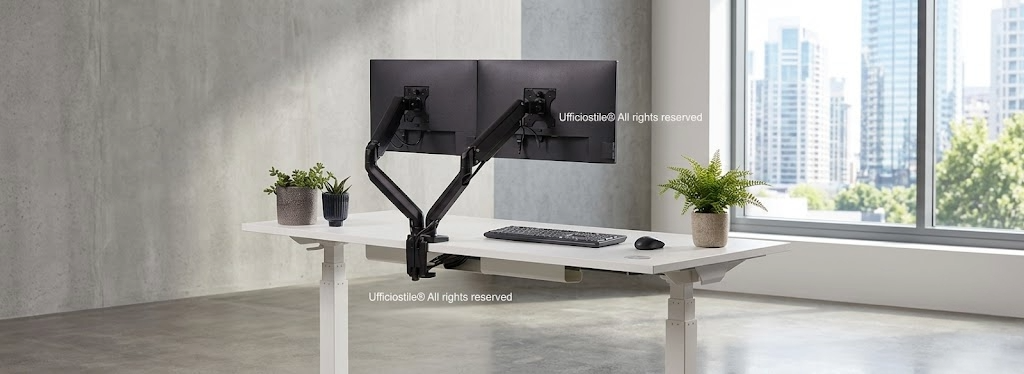
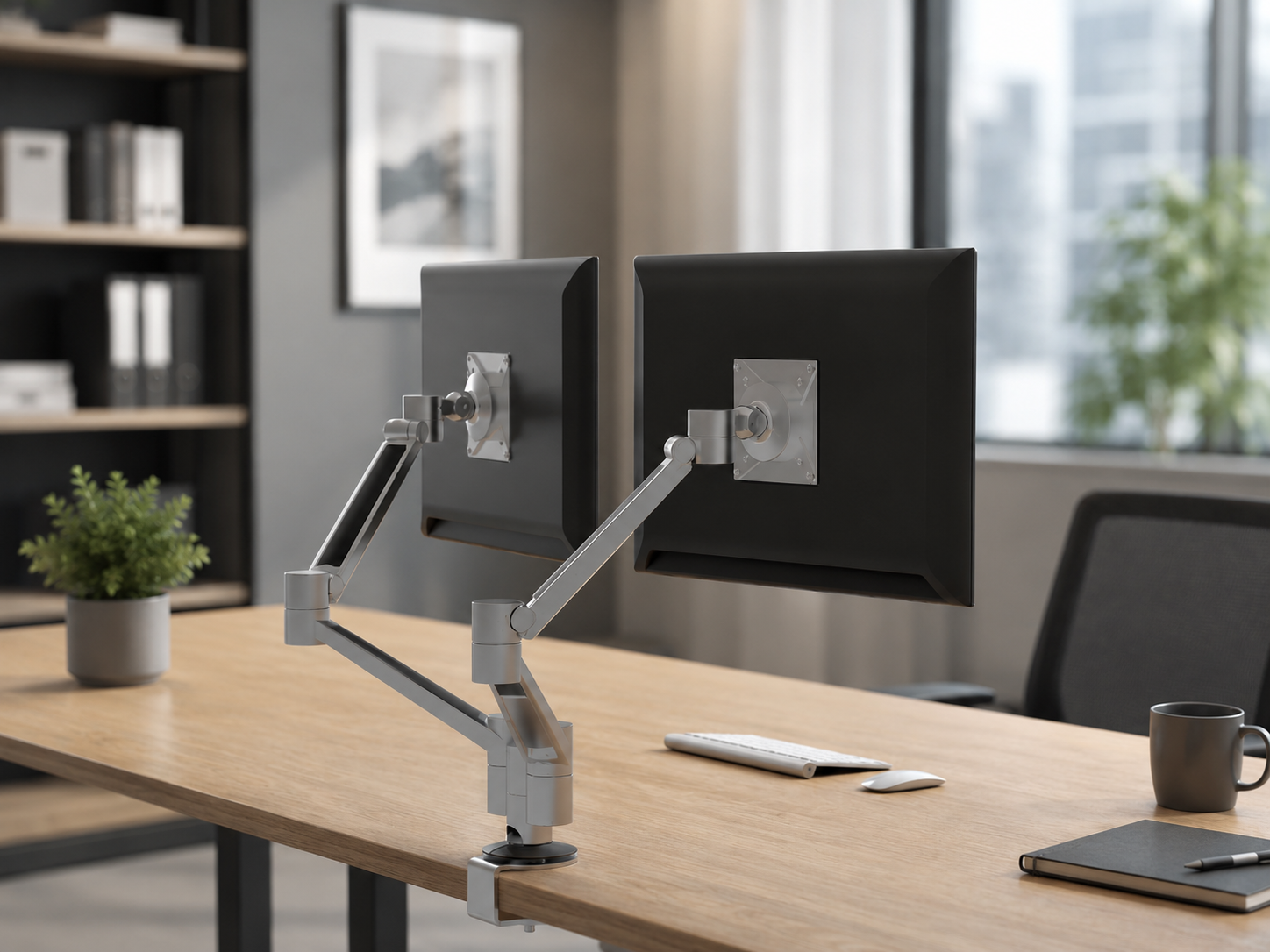
- Monitor arms with multidirectional adjustments, height, depth, tilt and rotation, to position the screen in line with eye level, reducing forced neck angles and visual fatigue.
- Technical footrests with variable tilt and anti-slip surface that support the correct position of the lower limbs, improve circulation and contribute to postural stability.
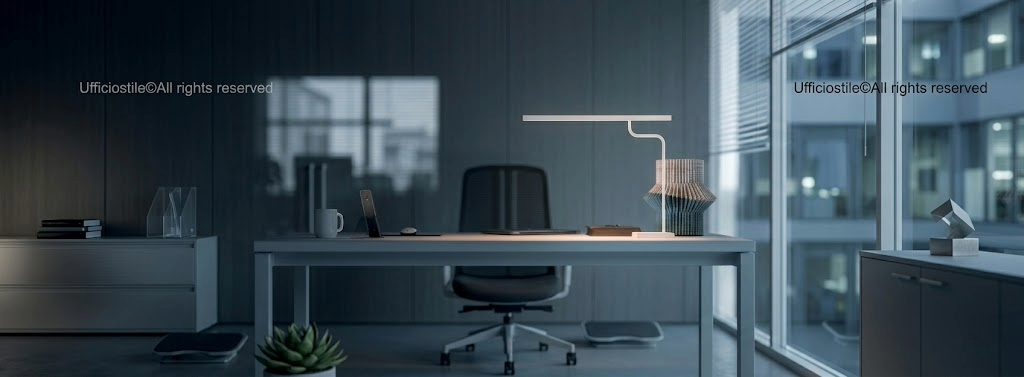
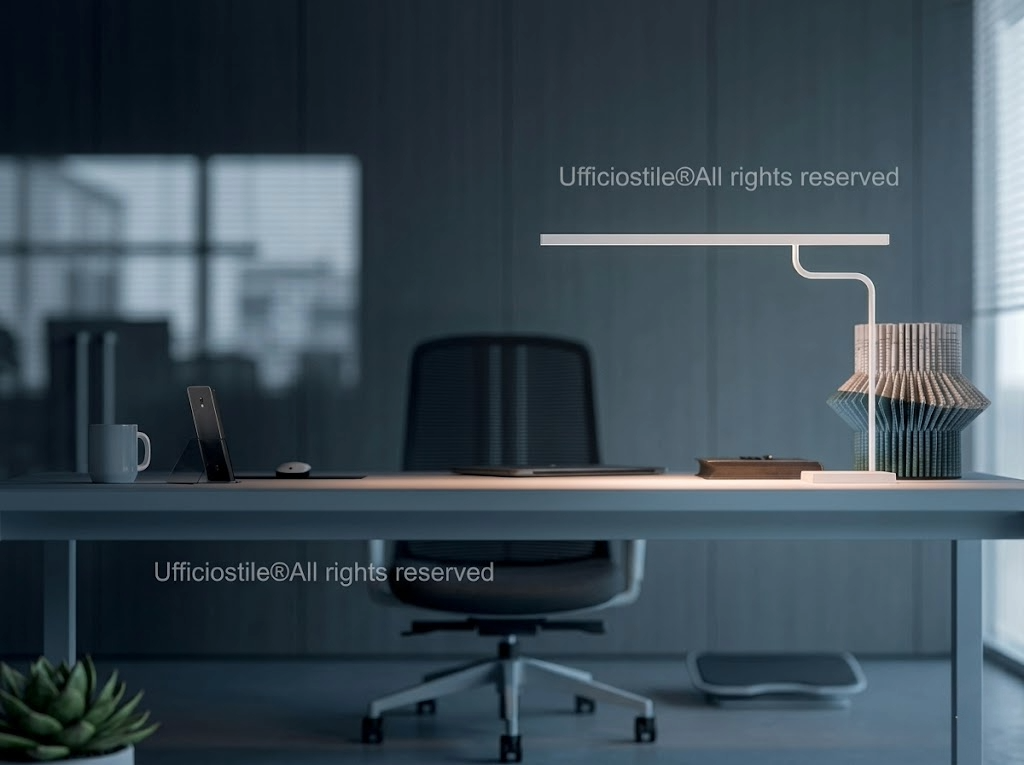
- Adjustable LED task lamps, with intensity and beam-direction adjustment, to reduce shadows and reflections on documents, keyboards and monitors in open-space or hybrid environments.
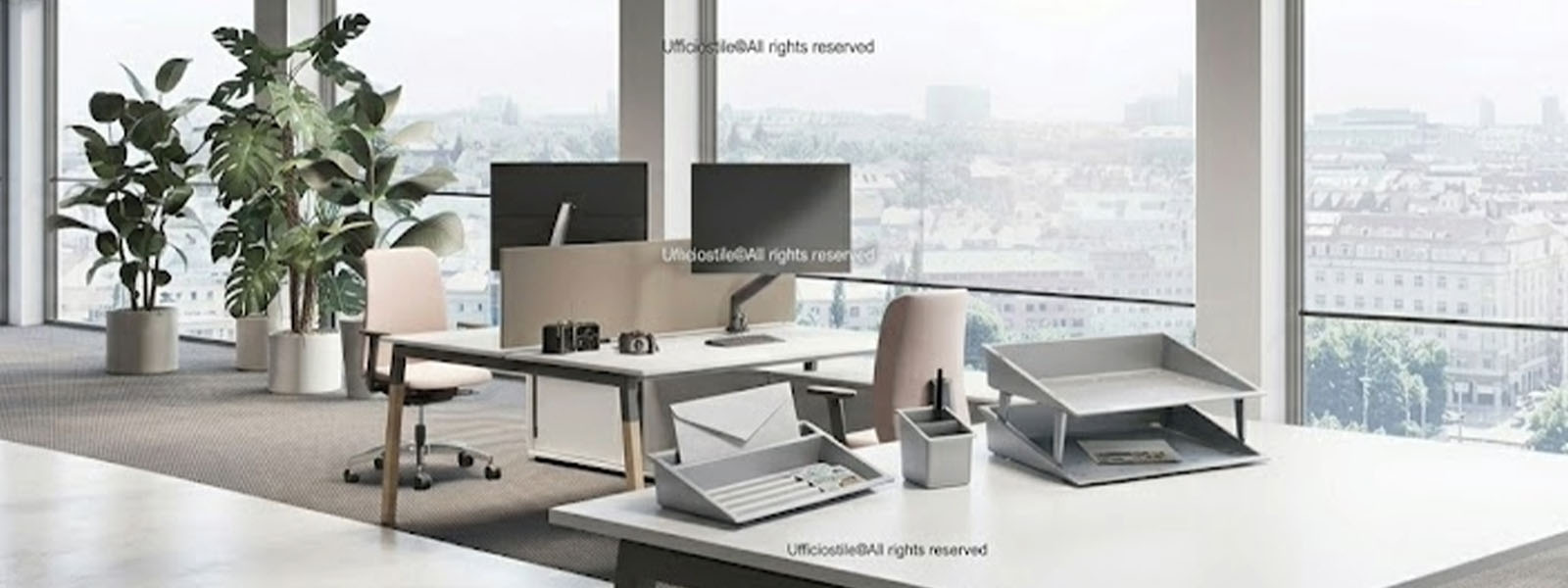
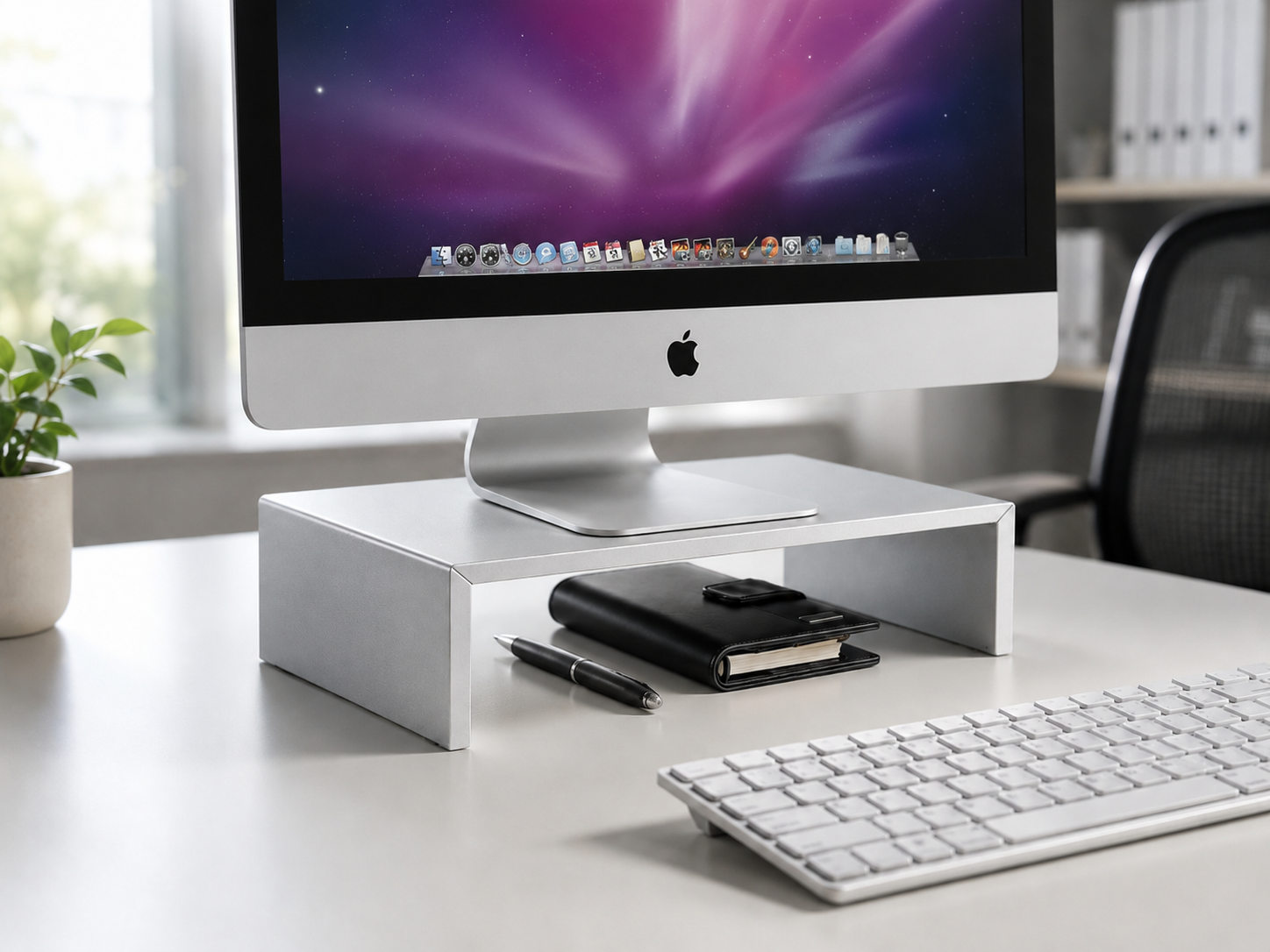
- Modular supports for laptops, docking stations, inclined document holders and solutions on castors that keep the worktop organised, reduce clutter and improve accessibility to tools.
- Use of anti-slip technical materials, high-resistance metal structures and easily sanitizable finishes, compatible with certified workstations and hybrid-work configurations.
Typical configurations
Digital operational workstations
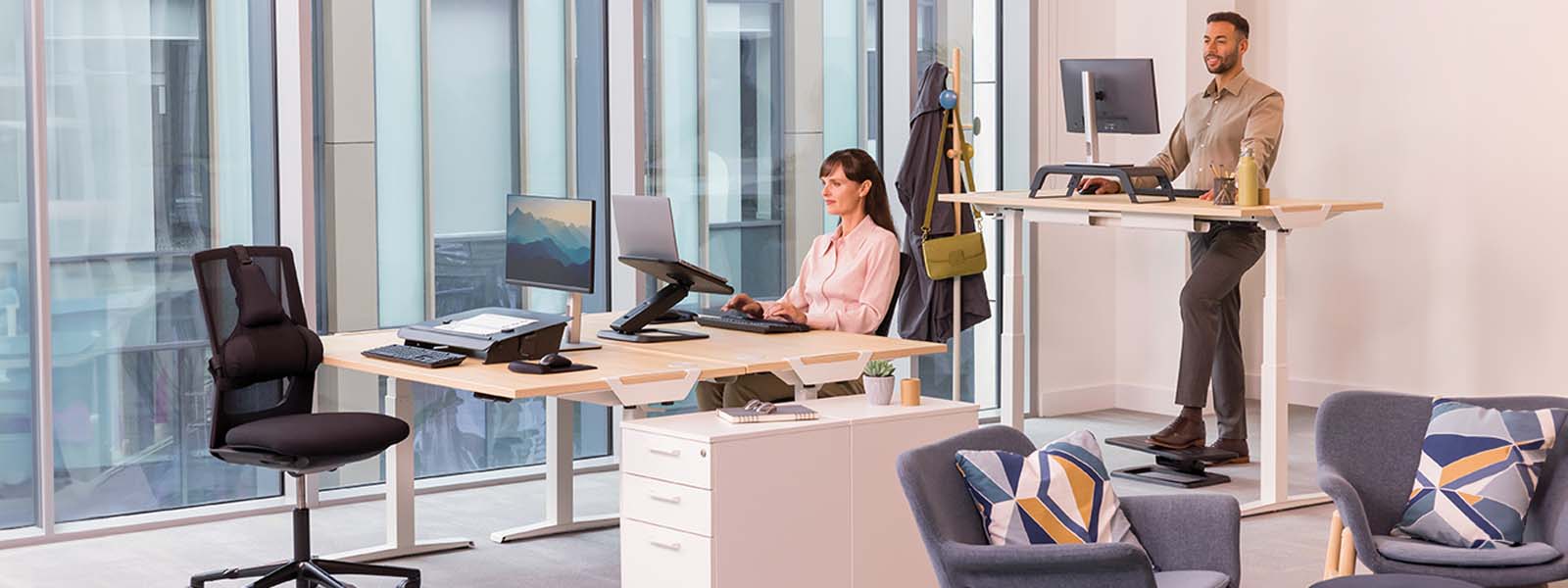
Workstations equipped with adjustable monitor arms, technical footrests and task lamps, designed for people who work many hours at the computer and need precise alignment between eyes, screen and keyboard, with active support for the lower limbs.
Hybrid workstations with laptop/monitor use
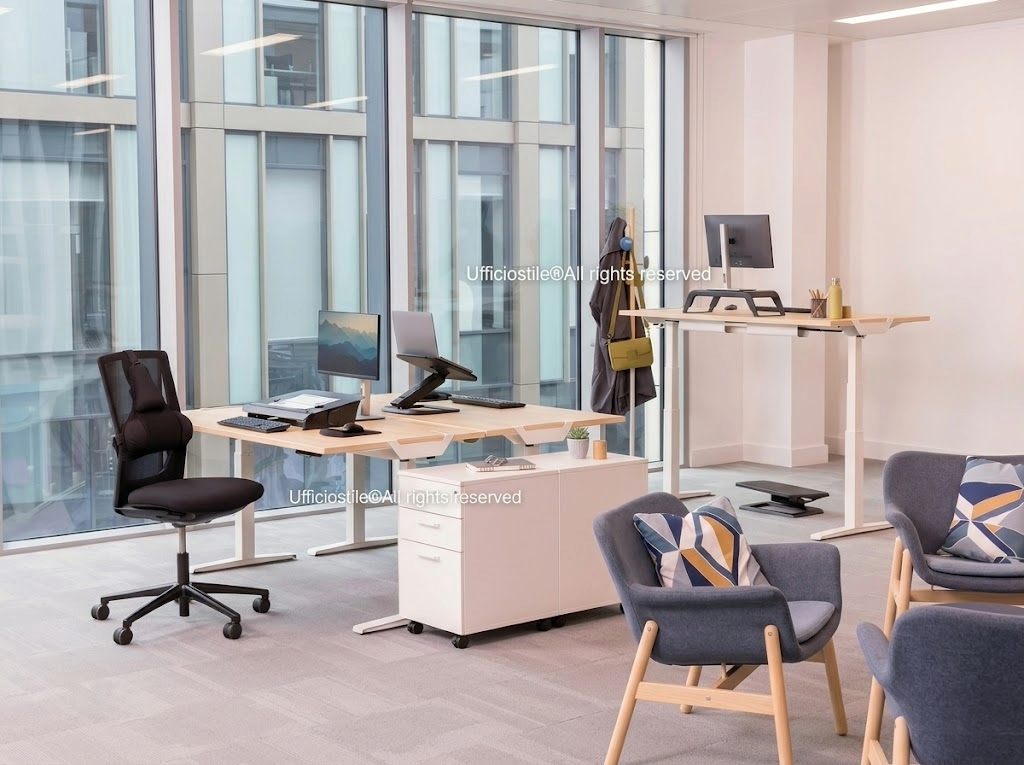
Configurations that combine laptop supports, docking stations, monitors on adjustable arms and adjustable lighting. Ideal for hybrid work, hot desking and frequent shifts between portable mode and fixed setup.
Administrative offices and design and planning areas
Workstations for administrative, accounting and design roles equipped with inclined document holders, monitor arms and modular support systems, for quick switching between different activities while always maintaining order, visibility and operational precision.
Adjustable monitor arms for optimal visual alignment
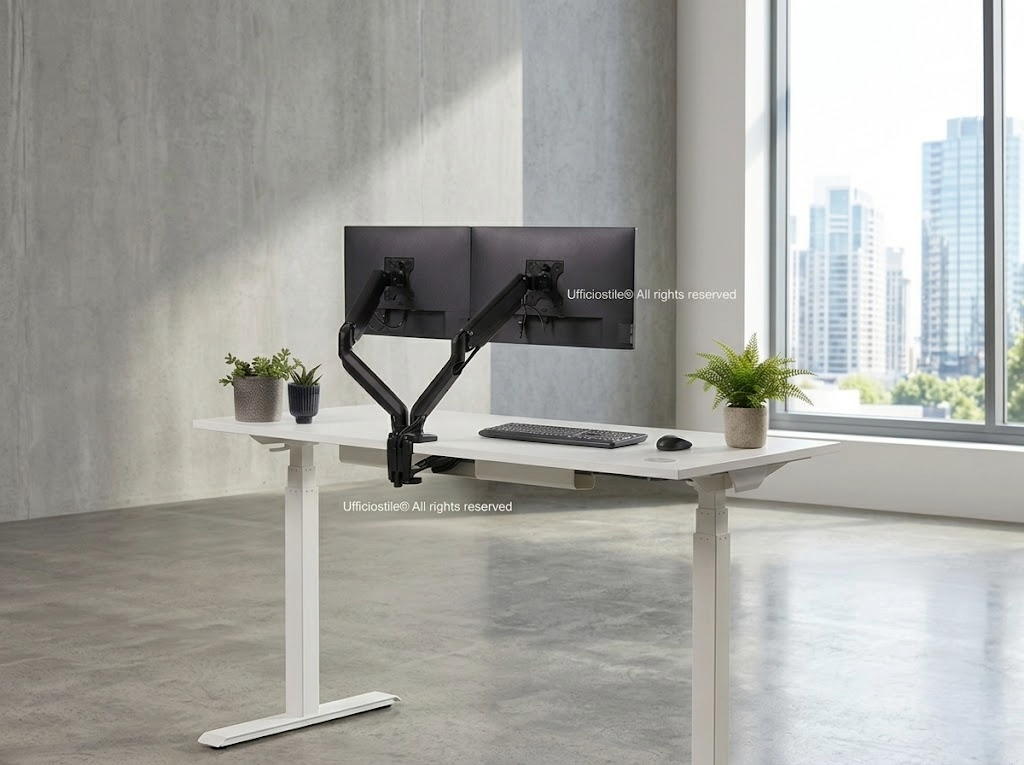
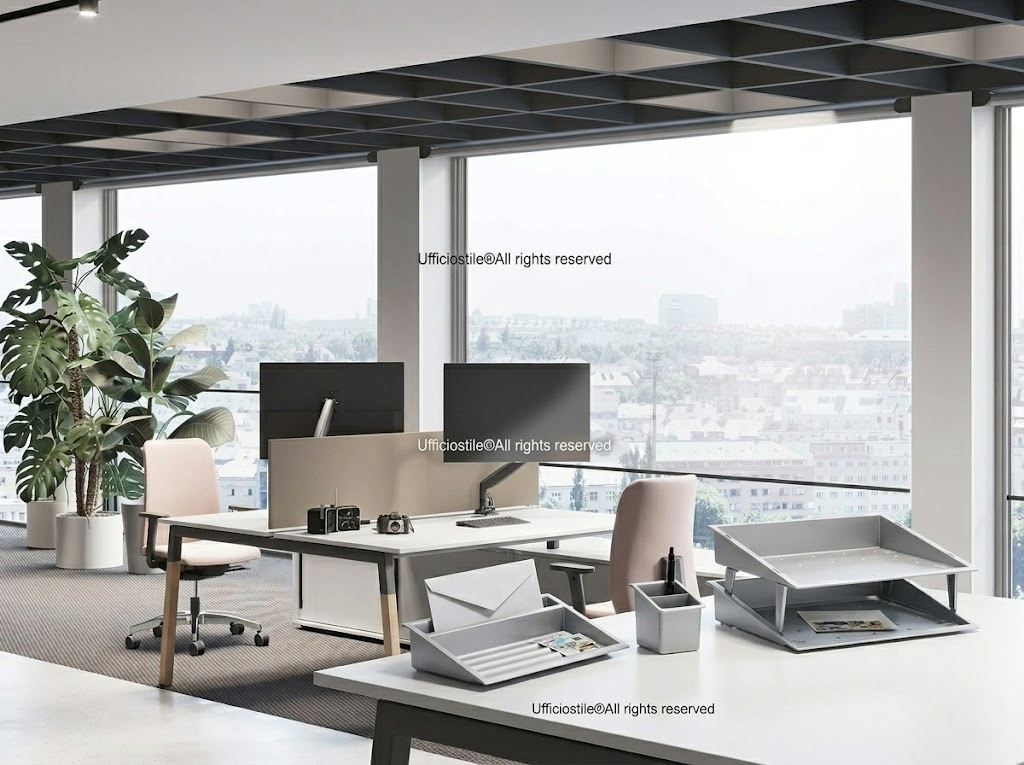
Adjustable monitor arms make it possible to position the screen at the correct eye height, avoiding forced neck angles and reducing visual fatigue during prolonged sessions. Smooth height, depth and tilt adjustments allow precise alignment with the user’s posture, improving comfort, focus and the quality of digital work.
Integration with fixed or sit-stand desks and ergonomic chairs makes it possible to quickly adapt the workstation to different users, maintaining the correct relationship between eyes, monitor and keyboard even in shared and full-day contexts.
Footrests and postural supports for ergonomic balance
Technical footrests support the correct position of the lower limbs, reducing pressure on the legs and facilitating circulation. They provide a stable support point that helps maintain balanced posture even during long hours of seated work.
Combined use with ergonomic chairs ensures complete support for the spine and pelvis, improving the stability of the postural setup. This balance is essential to reduce tension on the back, shoulders and neck, raising the level of perceived comfort throughout the working day.
Adjustable lighting for visual comfort and glare reduction
Adjustable task lamps improve the quality of local lighting, reducing shadows and reflections that strain the eyes. The ability to modulate intensity and direction allows immediate adaptation to different activities, ensuring uniform and comfortable lighting.
Even in offices that are already bright, adjustable lighting is useful for controlling glare on monitors, glossy surfaces and documents. Correct lighting supports concentration, operational precision and visual wellbeing, especially in workstations with high digital or analytical loads.
Modular supports and worktop organisation
Modular supports make it possible to create orderly management of work tools, keeping the operational space free. Docking stations, inclined document holders and solutions on castors support efficient organisation and reduce clutter, improving accessibility and transition between different activities.
An orderly surface supports ergonomics, focus and productive continuity: unnecessary movements decrease, tool-search time is shortened and the perception of control over the workstation increases. Micro-ergonomics thus becomes an integral part of the everyday work experience.
FAQ
Yes, ergonomic accessories reduce tension on the neck, shoulders and wrists, allowing more precise posture control. Monitor arms, footrests and modular supports help distribute loads more effectively and prevent musculoskeletal fatigue over the long term.
It is fundamental for correct visual alignment: it allows the monitor to be positioned in line with the eyes, avoiding repeated neck flexion and reducing stress on cervical muscles and shoulders during continuous digital work.
Yes, the footrest completes the postural setup, especially for shorter users or workstations with desk heights that are not perfectly standard. It helps keep knees and hips in the correct position and improves overall seating stability.
Yes, because even in bright environments, shadows, reflections and glare can occur on monitors and documents. An adjustable lamp makes it possible to shape light for specific tasks, reducing visual fatigue and improving precision in reading and data-entry activities.
It depends on use, but accessories such as monitor arms, footrests and modular supports almost always improve precision, comfort and operational order. They are particularly recommended in full-day workstations, digital contexts and hybrid or shared work environments.
Request a consultation to configure ergonomic accessories and improve the micro-ergonomics of your workstation.