
Computer labs and digital environments: ergonomics, cabling and security for technology-based teaching
University computer labs must combine ergonomics, technological integration and security. These environments — fundamental for programming, design, simulation and research activities — require robust surfaces, organised cabling, comfortable workstations and protection systems for digital equipment. Design must ensure operational efficiency, visual order and maximum ease of maintenance, adapting to continuously evolving teaching scenarios.
Technical specifications
- PC tables with technical melamine or HPL tops, high-resistance and easily sanitizable surfaces, sized to accommodate laptops, fixed workstations, peripherals and support materials.
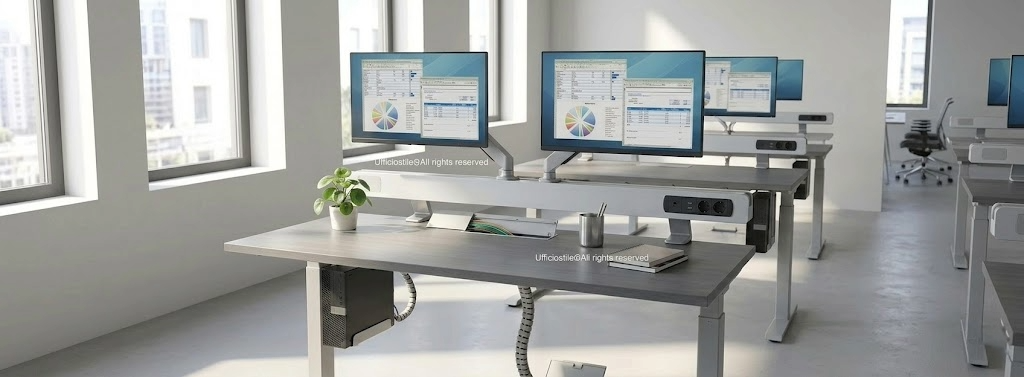
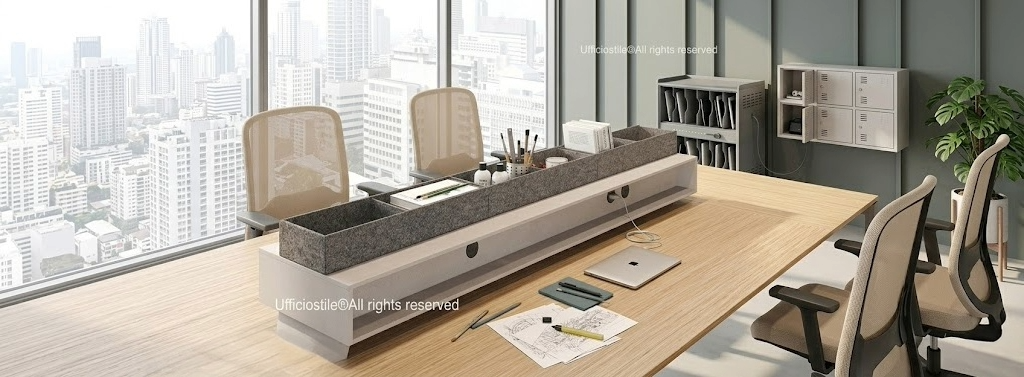
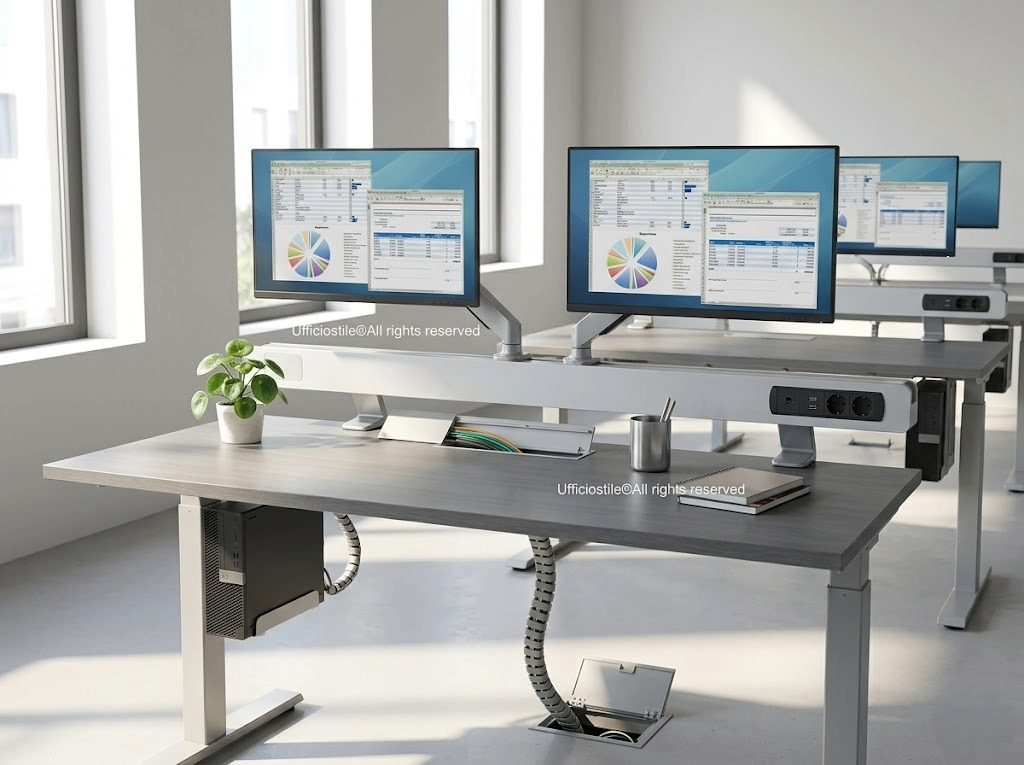
- Dedicated cabling with cable ducts, integrated power units and inspectable cable-access flaps that distribute power and network connections safely, neatly and with easy maintenance.
- Possibility of integrating under-top CPU housings, adjustable monitor arms and workstation cable-management accessories, optimising workspace and usability of digital equipment.
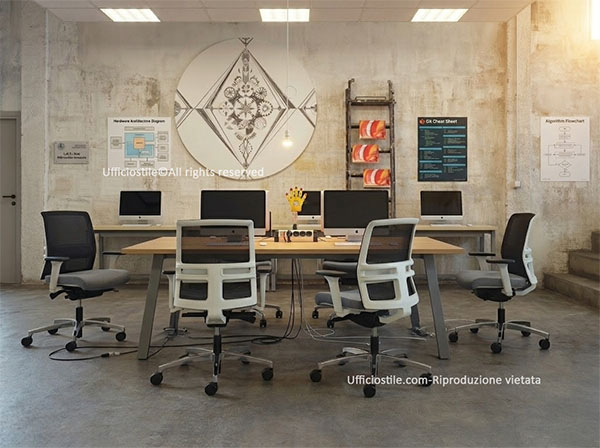
- Ergonomic chairs with full adjustments, seat height, lumbar support and synchronised tilt, breathable fabrics and bases with scratch-resistant castors suitable for technical floors, designed for intensive use.
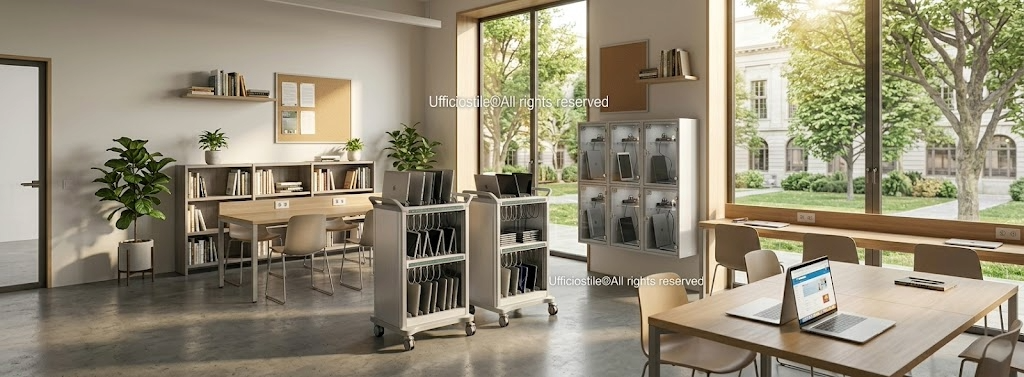
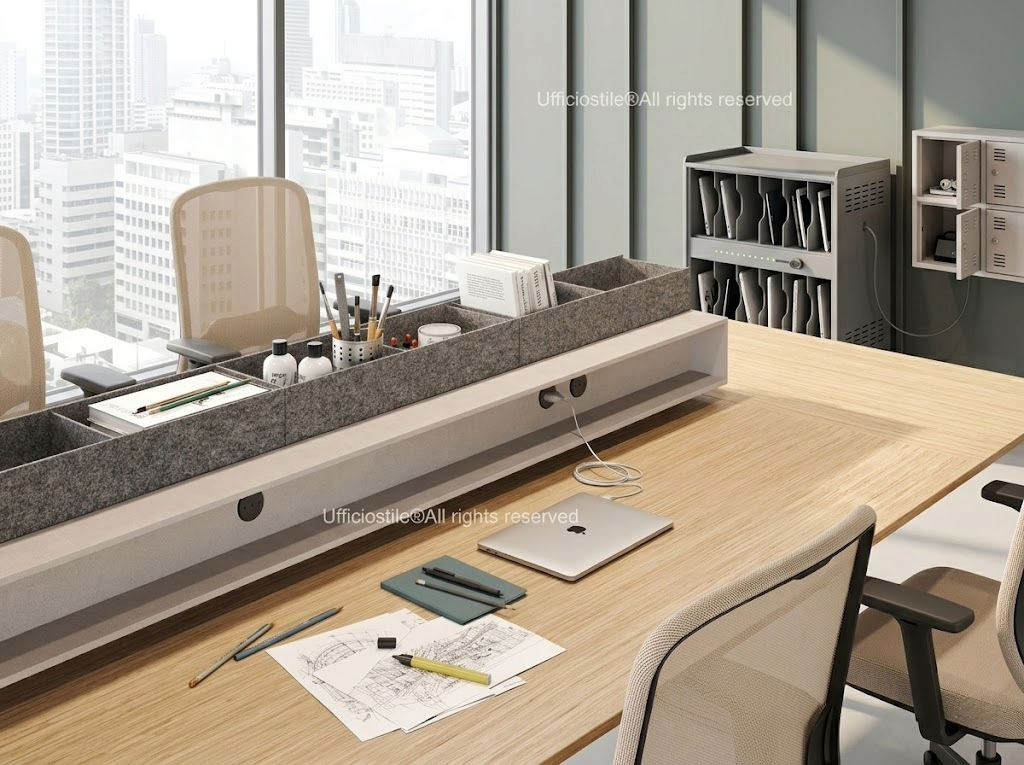
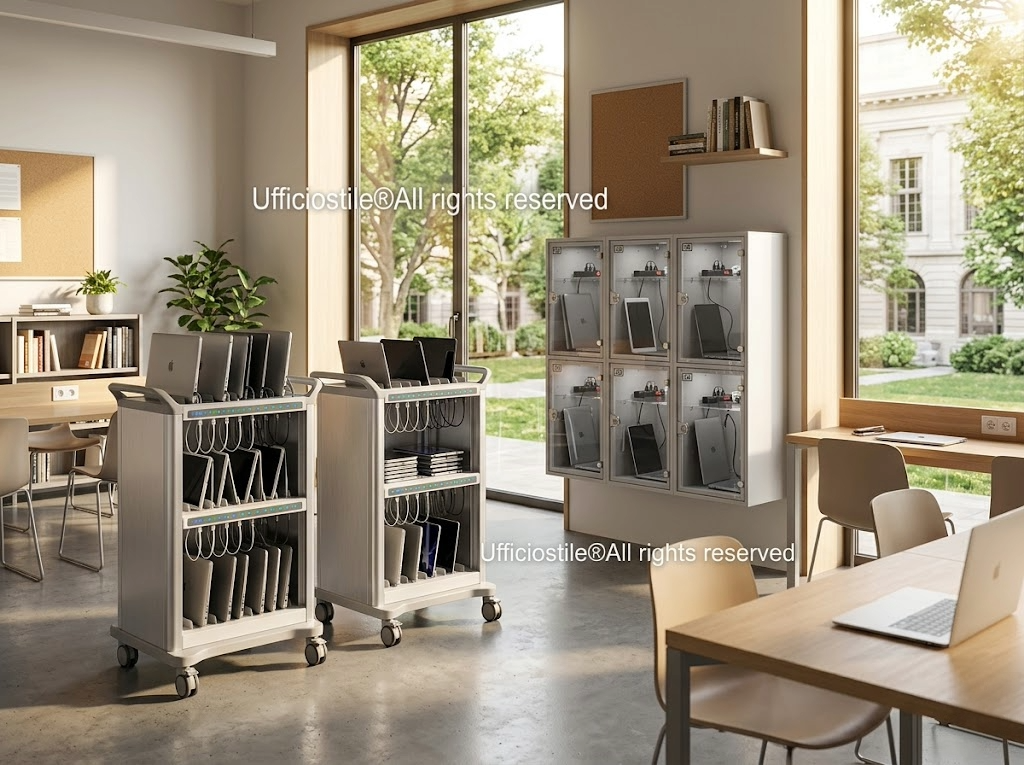
- Dedicated stands and device storage: charging carts for laptops and tablets, ventilated cabinets for CPUs, modules with individual compartments for devices and laboratory accessories.
- Security systems that can be integrated into the furniture: padlocks and steel cables, protective laptop boxes, anti-removal anchors and anti-intrusion solutions to reduce the risk of theft and tampering.
- Materials certified for resistance, safety and ease of cleaning, suitable for the frequent use and sanitization cycles typical of high-turnover university environments.
Typical configurations
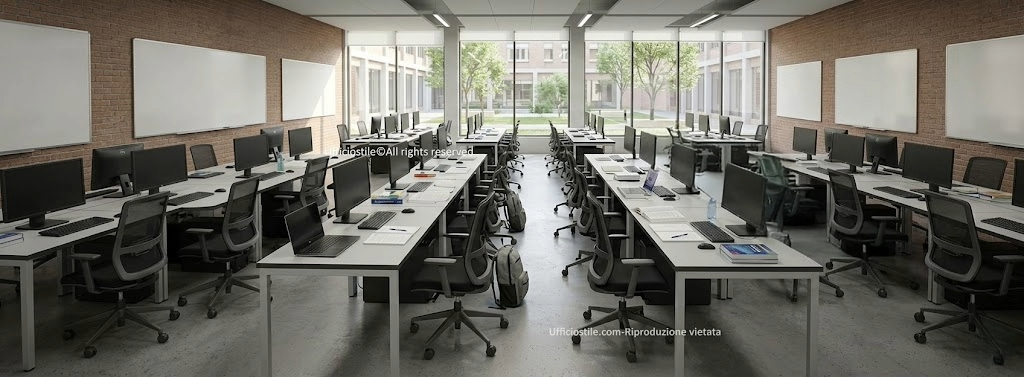
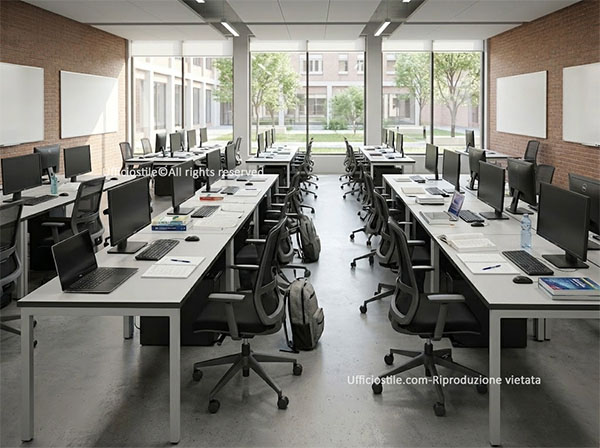
Frontal computer lab with rows of PC workstations
Structured labs with rows of cabled PC tables, ergonomic seating and cable ducts on every row. Ideal for programming courses, specialist software and frontal teaching with high digital content, they ensure visual order and central routes for the lecturer.
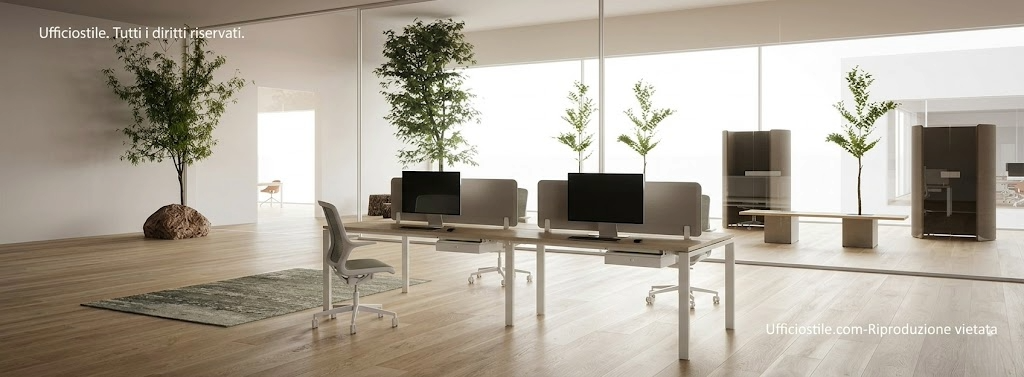
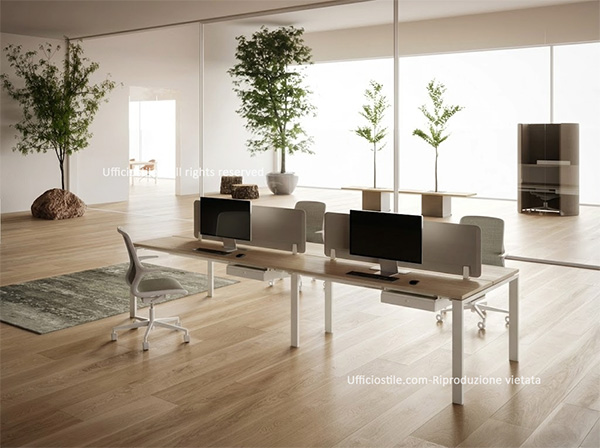
Flexible digital environment with modular tables
Computer labs configured with modular tables and mixed laptop/fixed PC workstations, designed to switch from traditional lessons to group work. Mobile charging carts and compact device storage make it possible to reconfigure the space quickly according to the type of activity.
High-security lab for exams and digital tests
Labs dedicated to online exams and digital tests, with anchored workstations, protective hardware boxes and anti-intrusion fixing systems integrated into the tables. Centralised device storage and controlled routes reduce operational risks and facilitate supervision.
PC tables with dedicated cabling and safe cable management
PC tables intended for university classrooms must ensure structural stability, adequate surfaces and dedicated cabling that maintains order and safety. Cable ducts, integrated power units and inspectable cable-access flaps distribute power and network connections in an organised way, avoiding visible cables and obstruction points along routes.
Technical melamine or HPL tops withstand continuous use and daily stress, while CPU housings and monitor arms make workstation management more efficient. Table design also considers ease of maintenance: access to systems is quick and safe, reducing classroom downtime and ensuring reliable operation over time.
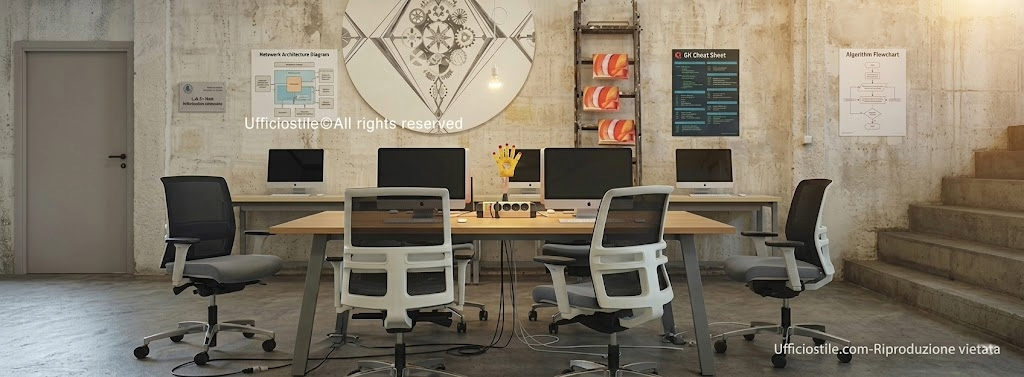
Ergonomic chairs designed for IT use
Prolonged PC use requires seating specifically designed to support correct posture over time. Backrests with lumbar support, height adjustments and synchronised tilt, breathable materials and stable bases with scratch-resistant castors ensure comfort and safety during laboratory sessions.
University IT chairs must withstand frequent cleaning cycles and intensive use while maintaining unchanged performance and comfort. The choice of robust mechanisms and certified technical fabrics extends the life cycle of the chairs, reducing maintenance work and replacement costs over the medium term.
Stands and device storage for digital equipment
Digital classrooms require dedicated solutions for storing peripherals, laptops, tablets and accessories. Charging carts, ventilated CPU cabinets and modules with individual compartments make it possible to manage IT equipment centrally, reducing device preparation and collection times for each lesson.
The aim is to ensure quick and orderly access to equipment, avoiding visual disorder and reducing the risk of damage. A good storage system allows technical staff to easily monitor device status, organise charging and updates, and keep the classroom ready for use at all times.
Security systems: locks, cables and anti-intrusion boxes
Protecting IT equipment is a priority in university environments. Fixing systems with padlocks and steel cables, protective laptop boxes and anti-removal anchors significantly reduce the risk of theft or tampering, especially in open-access classrooms or spaces with high user turnover.
Integrating these systems into the furniture — for example into tables, charging carts or device cabinets — enables discreet control without affecting the aesthetics or everyday usability of the space. In this way, the classroom remains welcoming for students while also being equipped to protect important technological investments.
FAQ
The most suitable are stable tables with integrated ducts, dedicated power units and safe cable management, to ensure order, safety and ease of maintenance even with many PC workstations.
They must offer full ergonomic adjustments, height, lumbar support and tilt, breathable materials and resistance to intensive use and frequent cleaning cycles typical of university environments.
Yes, dedicated storage is essential to maintain order, ensure security and centrally manage laptops, tablets and peripherals. Charging carts and ventilated cabinets reduce lesson start-up times and simplify the work of technical staff.
Through the combined use of steel cables with padlocks, protective laptop boxes, anti-removal anchors and locking systems for carts and device cabinets, discreetly integrated into the furniture.
Yes, with modular tables, mobile charging carts and easily movable seating, it is possible to create flexible computer labs capable of switching from a traditional lab to configurations for group work, workshops and hybrid teaching.