
Integrated Audio-Video Systems for Meeting and Conference Rooms

Ufficiostile audio-video systems optimise collaboration and content sharing in meeting rooms, boardrooms and conference centres. 4K displays, audio DSPs, beamforming microphones, professional cameras and Teams and Zoom platforms are integrated with AV cabling, control systems and network infrastructure to create rooms that are easy to use, reliable and ready for hybrid collaboration. The solutions are designed according to room size, viewing distance, number of participants and intended use, integrating audio, video, videoconferencing, cabling, automation and remote management into a single coordinated system.

DSP & videoconferencing AV cabling integration 4K displays and projection Centralised smart control Teams / Zoom solutions
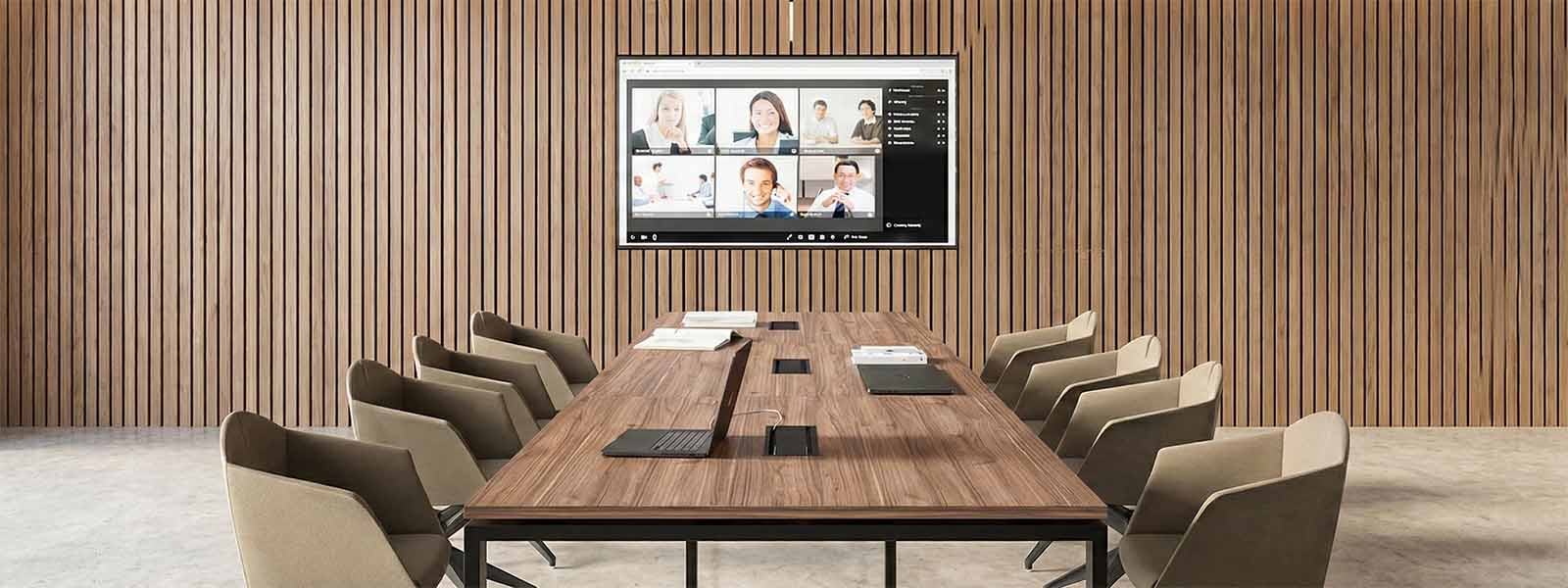
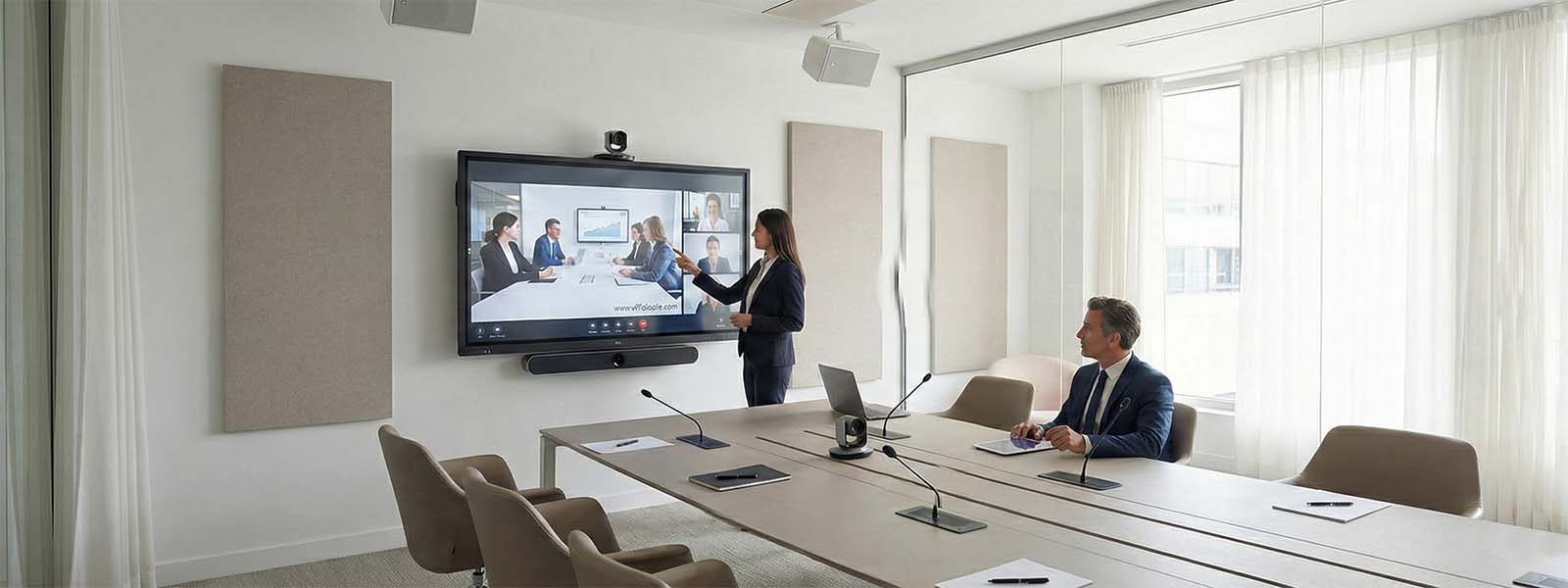
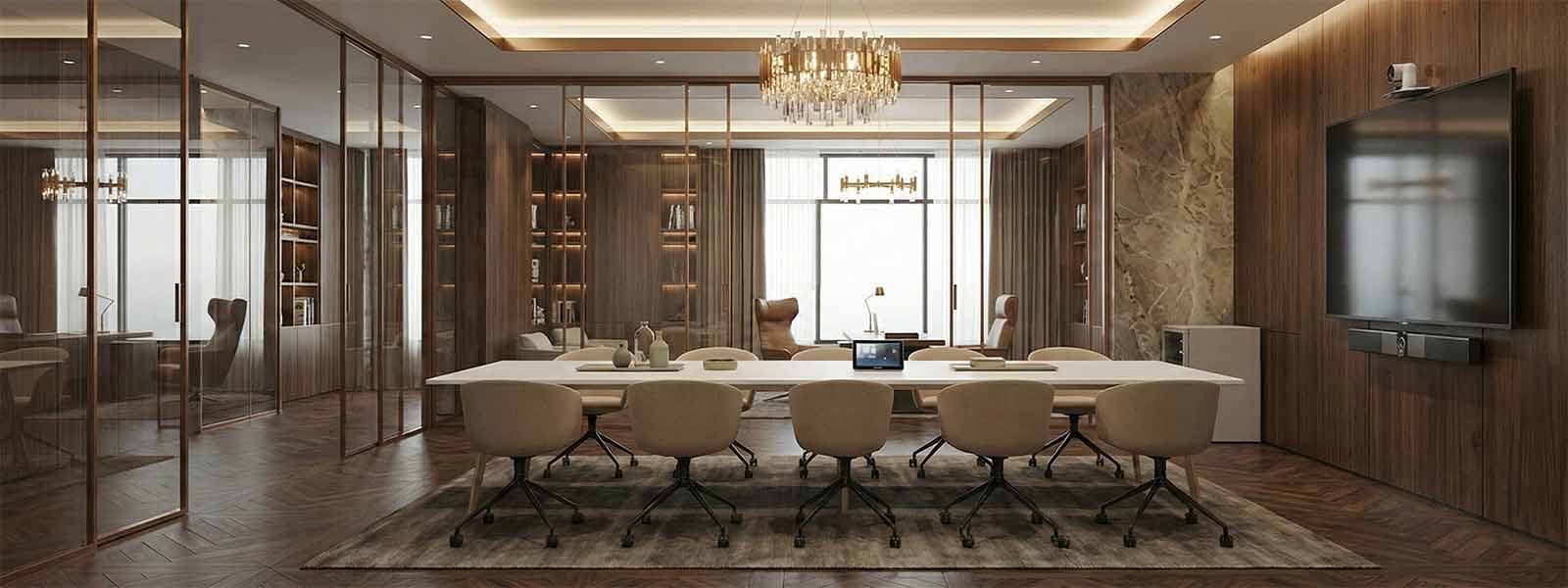
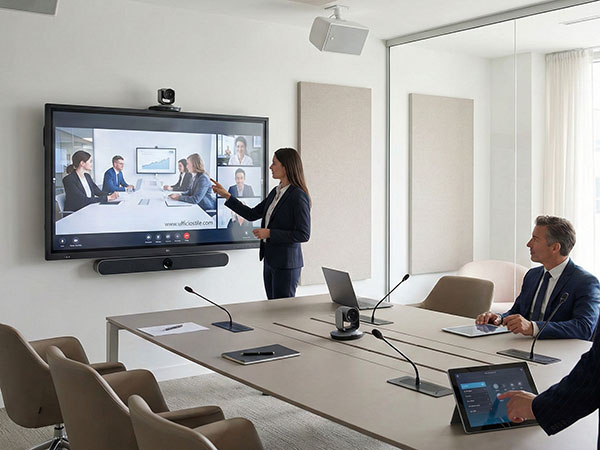
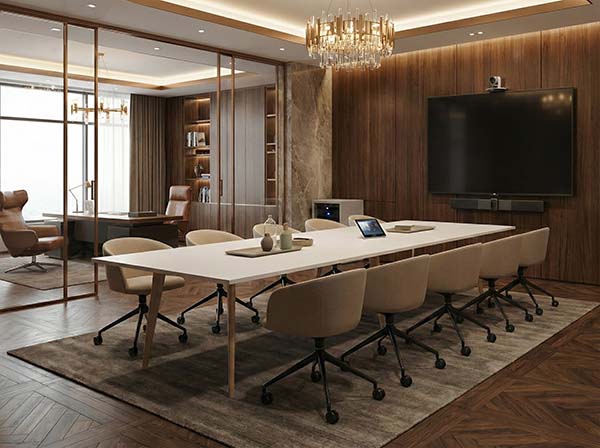
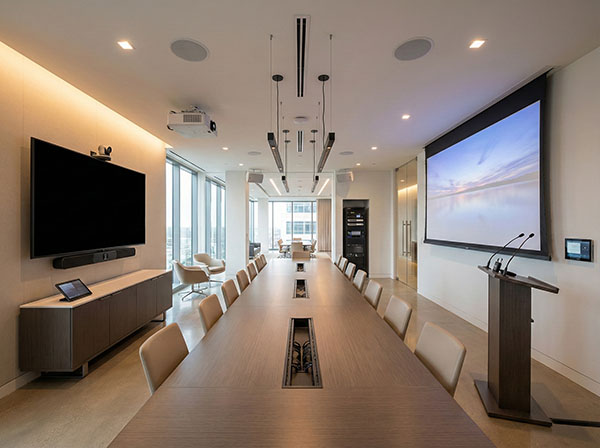
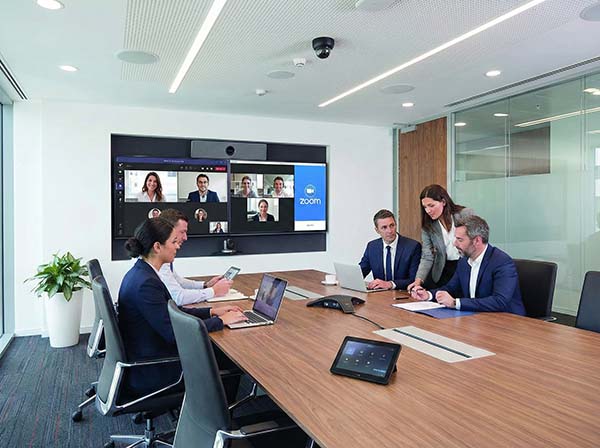
Meeting room with integrated audio-video system and 4K display Conference room with beamforming microphones and DSP Meeting room with display, camera and audio-video control
Audio-video systems
 

Audio-Video System Technical Specifications

Displays and projection: 4K UHD LED/LCD displays from 55″ to 98″, modular videowalls and 4K projection systems are sized according to viewing distance, displayed content and room lighting conditions.

Professional audio: dedicated DSPs, tabletop or ceiling-mounted beamforming microphones, soundbars and controlled-coverage loudspeakers improve speech intelligibility and provide echo and noise cancellation.

Connectivity: HDMI, USB-C, LAN, Wi-Fi 6 and AV-over-IP infrastructures allow audio-video signals and control data to be distributed over professional networks with VLANs, QoS and PoE/PoE+ power.

Videoconferencing and control: integration with Microsoft Teams Rooms, Zoom Rooms and BYOD configurations, as well as Crestron, Extron or Logitech Tap touch panels, remote monitoring and systems designed to ensure service continuity.

Technical detail of audio-video systems, displays, microphones and professional AV cabling
Typical audio-video system configurations for meeting and conference rooms

Typical Audio-Video System Configurations

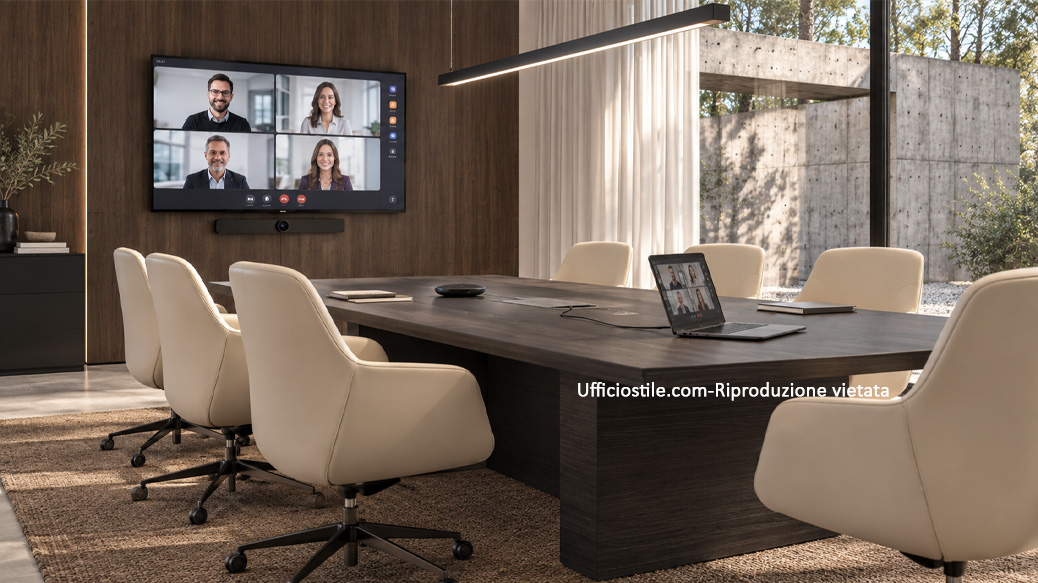
Executive Teams Room

Room-based configuration with 4K display, soundbar with beamforming technology, front-facing camera with auto-framing and dedicated touch panel. The room is always ready to use and allows meetings to be started quickly on the main videoconferencing platforms.

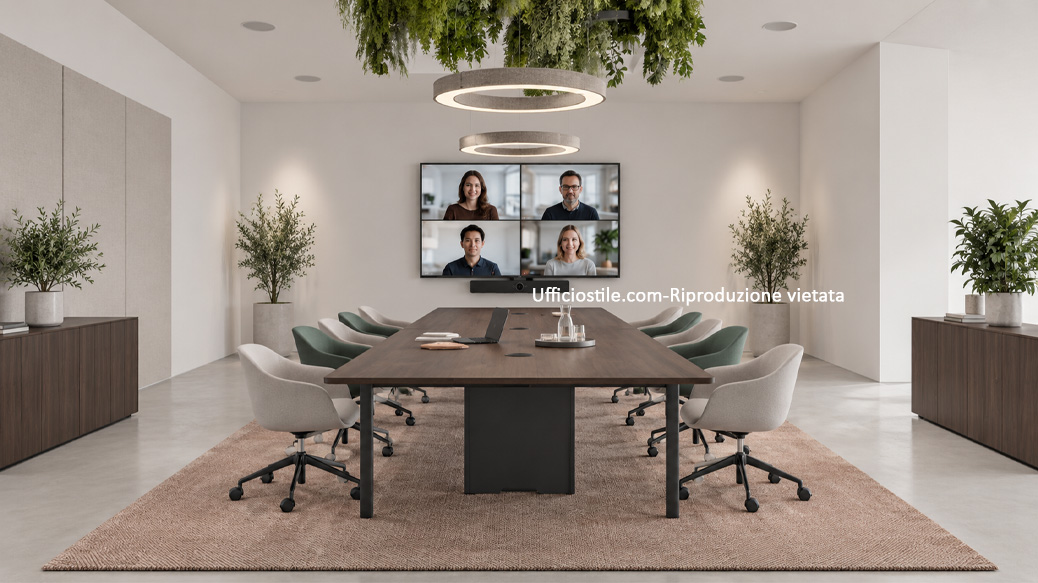
Hybrid Conference Room with DSP

For medium to large meeting rooms, it is possible to integrate a cabled table, audio DSP, ceiling-mounted beamforming microphones with configurable pickup zones and distributed loudspeakers. The solution improves speech intelligibility for both in-room and remote participants.

Training Space with Centralised Control

Training rooms and training centres can integrate 4K projection, video matrices, wireless microphones and Crestron or Extron touch panels. AV sources, lighting and blinds are controlled through a single interface, simplifying room operation.

Complete Integration for Hybrid Collaboration

A hybrid room must provide a balanced experience for both people physically present and those participating remotely. Beamforming microphones, audio DSPs and PTZ or auto-framing cameras work together to follow speakers, control audio levels and minimise echo and unwanted noise.

Integration with Microsoft Teams Rooms, Zoom Rooms and BYOD configurations also makes it possible to start meetings quickly and share content without having to rely on adapters, manual configurations or temporary connections every time.

Hybrid meeting room with integrated audio-video systems for in-room and remote participants
Conference room with touch panel and centralised audio-video control systems

Smart Room Control and Automation

Displays, sources, videoconferencing systems and room equipment can be managed through a single control system. Crestron, Extron or Logitech Tap touch panels allow users to control power, source selection, lighting scenarios and other functions through an intuitive interface.

Presence sensors and automated schedules can manage device power-up and standby, while integration with the corporate IT network enables more secure management and easier long-term updates.

Professional Audiovisual Quality for Presentations and Videoconferencing

4K HDR displays, videowalls and high-brightness projection systems make it possible to display presentations, data and remote participants with clear visibility even in larger rooms. Screen size and technology are selected according to viewing distance, displayed content and ambient lighting.

On the audio side, dedicated DSPs manage equalisation, echo cancellation and noise reduction. The result is clearer and more consistent communication for both participants in the room and those connected through the videoconferencing platform.

4K display and professional audio system for presentations and videoconferencing
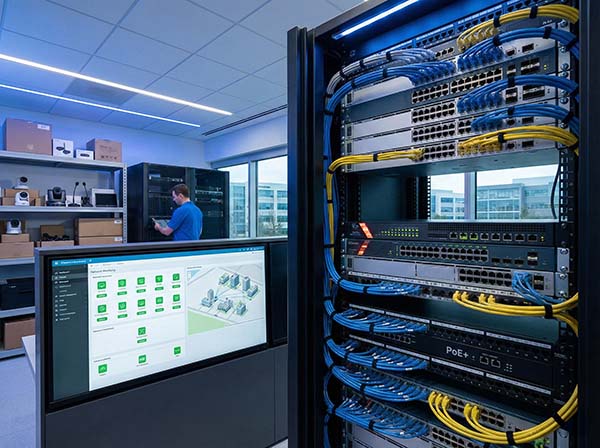
Network infrastructure and remote monitoring for professional audio-video systems

Scalability, IT Security and Service Continuity

The audio-video infrastructure can be designed for a single room or extended across multiple rooms and company locations. Dedicated AV networks, VLANs, QoS and PoE/PoE+ power help maintain stable multimedia streams and correctly separate AV traffic from standard data traffic.

Remote monitoring also makes it possible to check equipment status, identify any anomalies and manage updates and maintenance. Spare kits and support services can reduce downtime and provide greater continuity for the most strategically important rooms.

Problems & Solutions

In hybrid rooms, technology must be easy to use and coordinated with furniture, acoustics and layout. We design audio-video systems that reduce start-up times, improve the experience of remote participants and simplify the room’s day-to-day management.

Meeting room with plug-and-play audio-video system and integrated connections
PROBLEM

Every Meeting Starts with Searching for Adapters, Sources and Settings

 
SOLUTION

A display sized according to the room, a Microsoft Teams Room or Zoom Room system or a BYOD configuration, USB-C and HDMI connections and a simplified control system make it possible to start meetings and presentations quickly. Docking stations, hubs and permanent cabling reduce the need for adapters, temporary connections and time-consuming setup.
Learn more
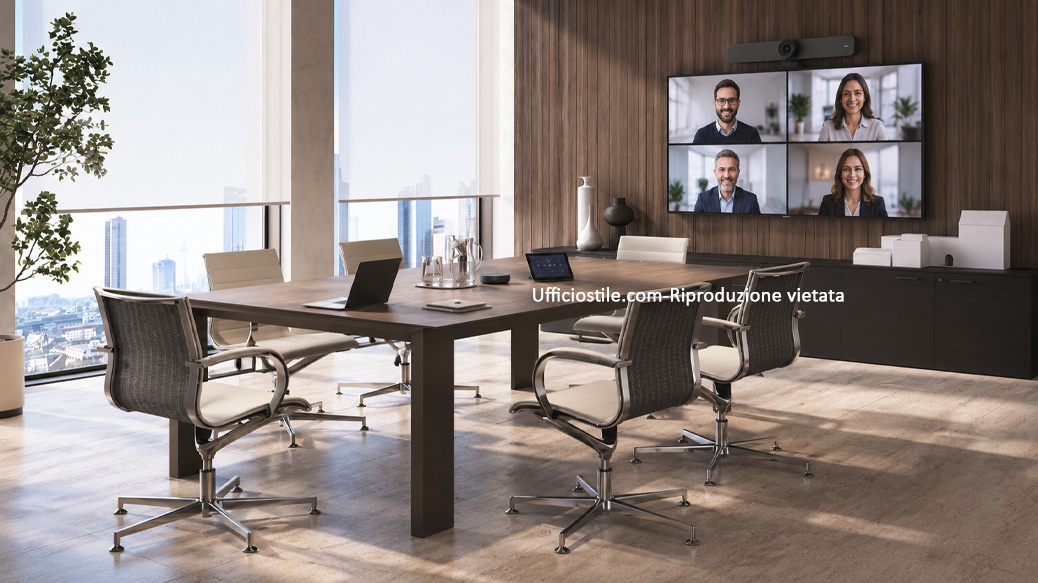
Videoconference room with auto-framing camera, beamforming microphones and display
PROBLEM

Remote Participants Cannot Hear Clearly or Can Only See Part of the Room

 
SOLUTION

Auto-framing or PTZ cameras, tabletop or ceiling-mounted beamforming microphones, DSP with echo and noise cancellation and suitable loudspeakers are designed together with the room layout. The position of the display and camera is coordinated with participants’ sightlines to create more natural communication between people in the room and remote users.

Learn more
Conference room with touch panel and centralised control of audio-video systems
PROBLEM

Too Many Devices Make the Room Complex to Manage and Maintain

 
SOLUTION

A centralised control system with touch panel brings the main display, audio, source and videoconferencing functions together in a single interface. Documented configurations, equipment monitoring and clearly defined support procedures make day-to-day room use, updates and maintenance activities easier to manage.

Learn more

FAQ – Audio-Video Systems for Meeting Rooms

Yes. An AV retrofit makes it possible to assess and reuse existing displays, cabling, loudspeakers and other components. After analysing the existing installation, it is possible to determine which elements can be retained and which should be upgraded with next-generation DSPs, microphones, cameras or control systems.

Yes. Rooms can be designed using hardware and kits that are compatible with or certified for Microsoft Teams Rooms, Zoom Rooms and other UC platforms. Alternatively, BYOD configurations can be implemented, allowing users to use their own laptops while benefiting from the room’s professional audio-video infrastructure.

Yes. Systems can be monitored through cloud platforms or on-premise infrastructures, allowing device status and potential anomalies to be checked. Support services can include technical assistance, firmware updates and scheduled maintenance to ensure greater operational continuity.

Yes. Systems can be supplied with turnkey installation, configuration, functional testing and calibration of audio-video equipment.

Yes. Both on-site and remote audio-video support can be provided, including inspection, updates and maintenance of installed devices.